Live Chat for Magento 2
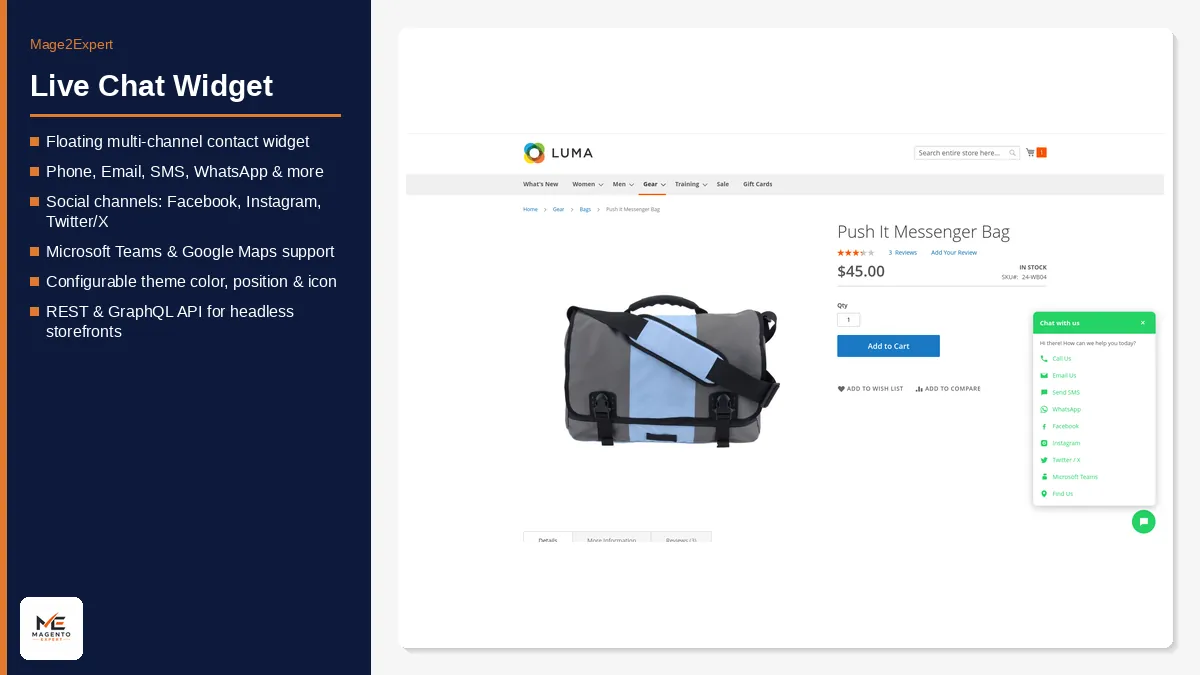
A floating, multi-channel contact widget on every storefront page, so shoppers can reach you on the channel they prefer.
Why choose Live Chat?
Live Chat adds a floating contact button that opens a menu of the channels you use, such as WhatsApp, Telegram, Messenger, Microsoft Teams, phone or email. Each channel can be switched on and ordered, WhatsApp messages can be pre-filled, and the button's colours and position match your brand. It is a lightweight alternative to a full chat platform.
Key features
- Floating Multi-Channel Widget
- Nine Built-In Channels
- Per-Channel Sort Order
- Smart Link Building
- WhatsApp Pre-Filled Message
- Microsoft Teams Deep Link
- Configurable Appearance
- Consistent Brand Color
- Automatic Hiding
- REST API
- Store-View Scope Throughout
- Enable / Disable Without Uninstalling
- Zero Core Code Modifications
At a glance
| Module name | Mage2Expert_LiveChat |
|---|---|
| Composer package | mage2expert/module-livechat |
| Settings | Stores › Configuration › Magento Expert › Live Chat (34 options) |
| Per store view settings | Yes |
| API | REST: 1 endpoint; GraphQL: 1 operations |
| PHP | 8.1, 8.2, 8.3, 8.4, 8.5 |
Installation
After purchasing on the Adobe Commerce Marketplace, install it with Composer using your Marketplace access keys:
composer require mage2expert/module-livechat
bin/magento module:enable Mage2Expert_LiveChat
bin/magento setup:upgrade
bin/magento setup:di:compile
bin/magento setup:static-content:deploy -f
bin/magento cache:flush
Skip setup:di:compile and static-content:deploy if your store runs in developer mode.
Configuration reference
All 34 options under Stores › Configuration › Magento Expert › Live Chat, grouped as they appear in the admin.
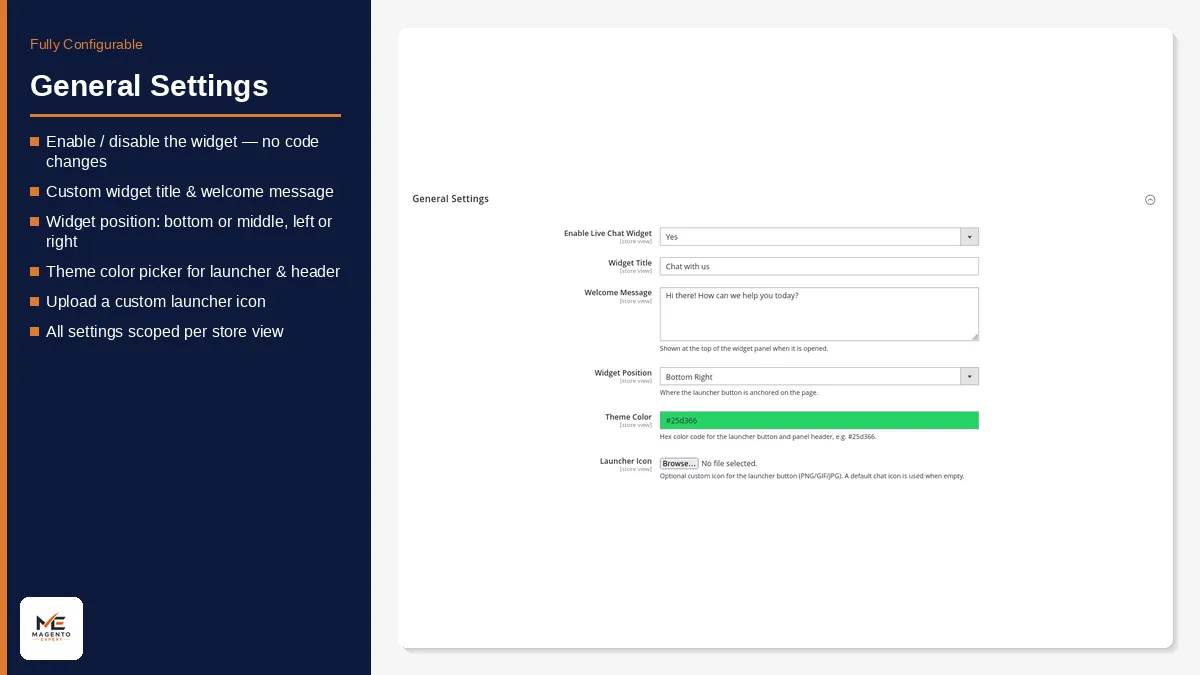
General Settings 6
| Setting | Description |
|---|---|
| Enable Live Chat Widget | |
| Widget Title | |
| Welcome Message | Shown at the top of the widget panel when it is opened. |
| Widget Position | Where the launcher button is anchored on the page. |
| Theme Color | Hex color code for the launcher button and panel header, e.g. #25d366. |
| Launcher Icon | Optional custom icon for the launcher button (PNG/GIF/JPG). A default chat icon is used when empty. |
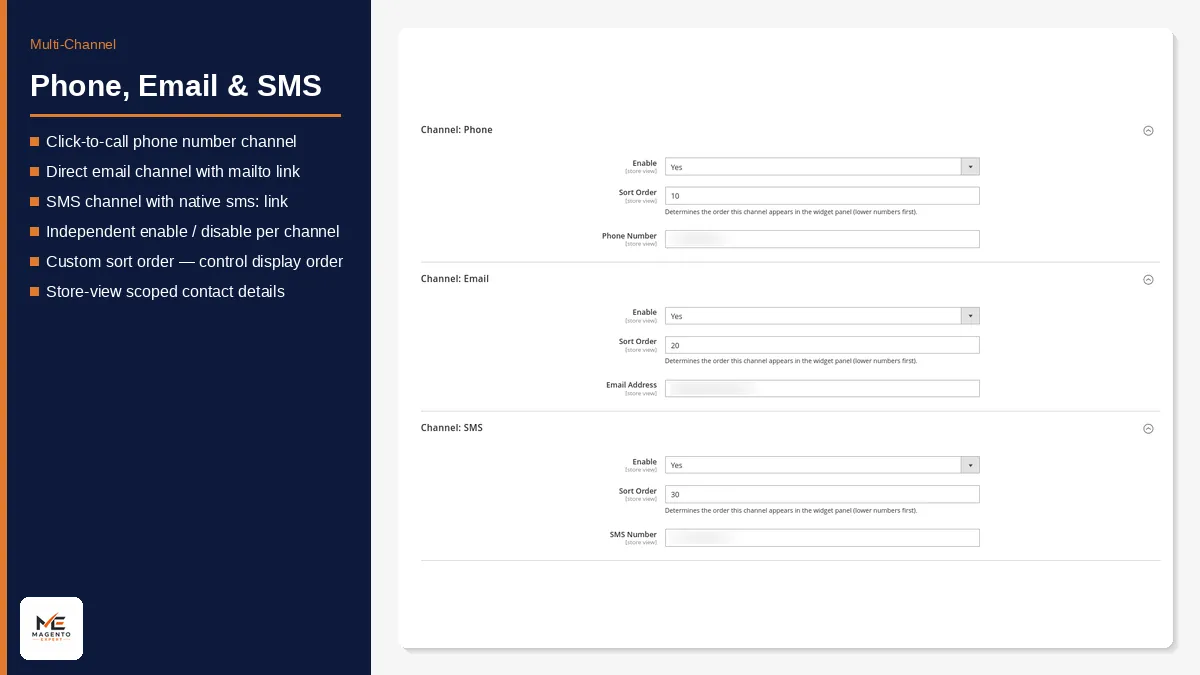
Channel: Phone 3
| Setting | Description |
|---|---|
| Enable | |
| Sort Order | Determines the order this channel appears in the widget panel (lower numbers first). |
| Phone Number |
Channel: Email 3
| Setting | Description |
|---|---|
| Enable | |
| Sort Order | Determines the order this channel appears in the widget panel (lower numbers first). |
| Email Address |
Channel: SMS 3
| Setting | Description |
|---|---|
| Enable | |
| Sort Order | Determines the order this channel appears in the widget panel (lower numbers first). |
| SMS Number |
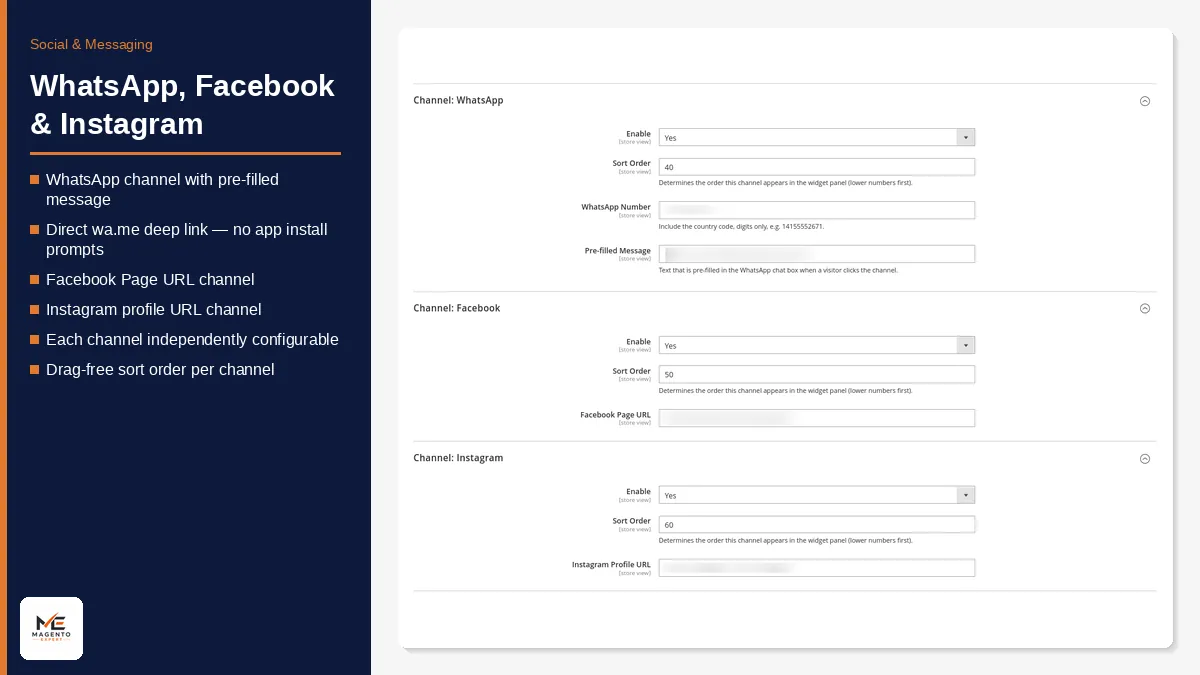
Channel: WhatsApp 4
| Setting | Description |
|---|---|
| Enable | |
| Sort Order | Determines the order this channel appears in the widget panel (lower numbers first). |
| WhatsApp Number | Include the country code, digits only, e.g. 14155552671. |
| Pre-filled Message | Text that is pre-filled in the WhatsApp chat box when a visitor clicks the channel. |
Channel: Facebook 3
| Setting | Description |
|---|---|
| Enable | |
| Sort Order | Determines the order this channel appears in the widget panel (lower numbers first). |
| Facebook Page URL |
Channel: Instagram 3
| Setting | Description |
|---|---|
| Enable | |
| Sort Order | Determines the order this channel appears in the widget panel (lower numbers first). |
| Instagram Profile URL |
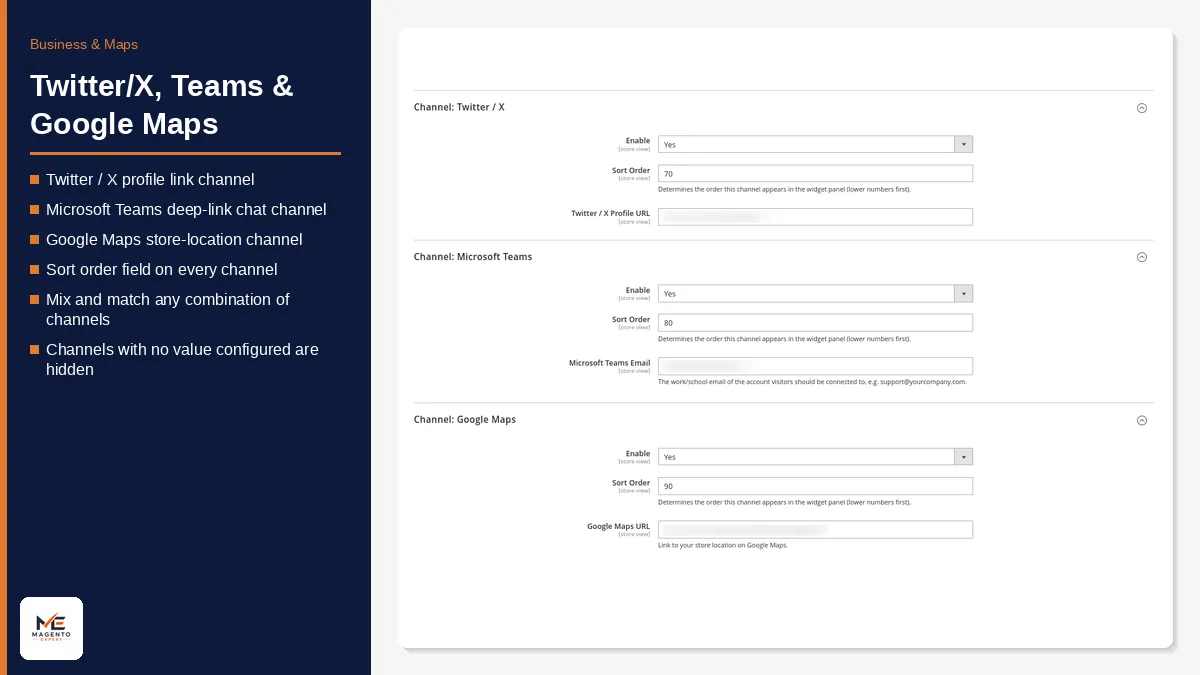
Channel: Twitter / X 3
| Setting | Description |
|---|---|
| Enable | |
| Sort Order | Determines the order this channel appears in the widget panel (lower numbers first). |
| Twitter / X Profile URL |
Channel: Microsoft Teams 3
| Setting | Description |
|---|---|
| Enable | |
| Sort Order | Determines the order this channel appears in the widget panel (lower numbers first). |
| Microsoft Teams Email | The work/school email of the account visitors should be connected to, e.g. support@yourcompany.com. |
Channel: Google Maps 3
| Setting | Description |
|---|---|
| Enable | |
| Sort Order | Determines the order this channel appears in the widget panel (lower numbers first). |
| Google Maps URL | Link to your store location on Google Maps. |
Developer reference
REST API
| Method | Endpoint |
|---|---|
GET | /rest/V1/livechat/config |
GraphQL
- Query
liveChatConfig
Frequently asked questions
How much does Live Chat cost?
Which Magento and PHP versions are supported?
Where do I configure Live Chat?
Can I switch it off without uninstalling it?
Can the settings differ per store view?
Does it have an API?
Can it be customised for my store?
More Customer & Support
Related extensions
Helpdesk
A complete in-store support ticketing system with departments, agent routing and automatic ticket closing.
Google One Tap Sign In
Let shoppers sign in or register with a single tap of their Google account.
Username
Let customers register and sign in with a username as well as their email address.
Have a Magento project in mind?
Tell me about your store and what you need. I reply to every enquiry within one business day.
Adobe Certified Expert
Adobe Commerce Developer certification, verified on Credly.
15+ years of Magento
From Magento 1 to Magento 2.4.x, Adobe Commerce and Hyvä.
62 Marketplace extensions
Each one reviewed and approved by Adobe.