Product Labels for Magento 2
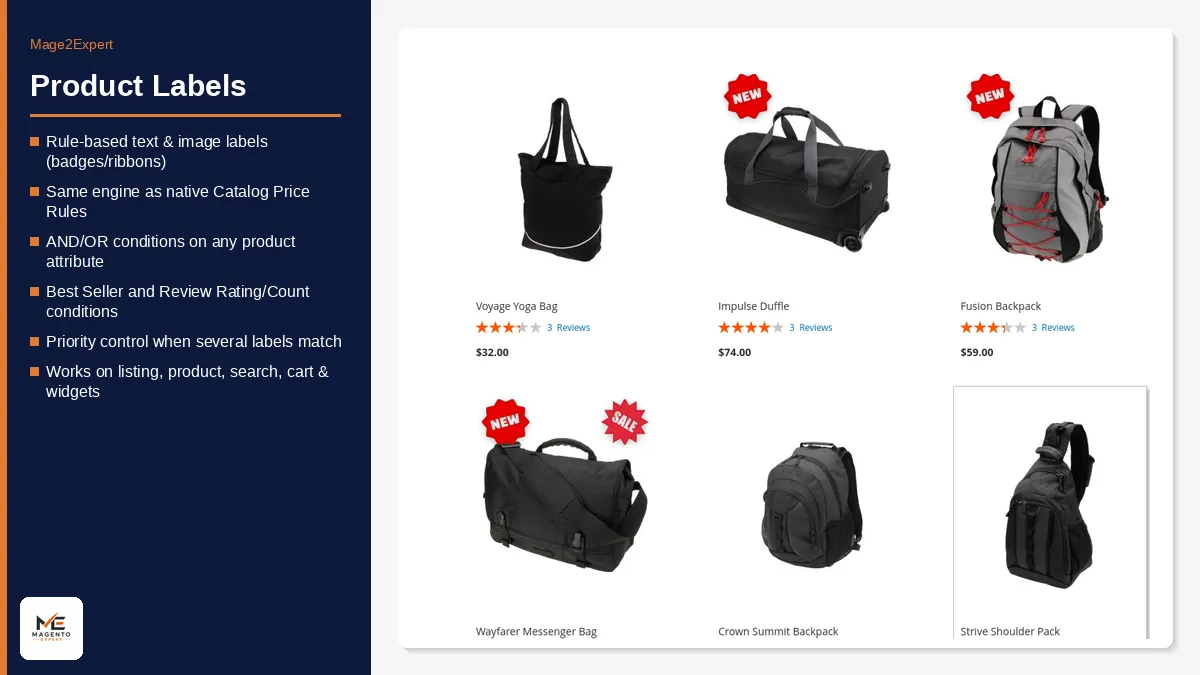
Rule-based text or image badges such as “New” or “Sale” on product images, everywhere they appear in your store.
Why choose Product Labels?
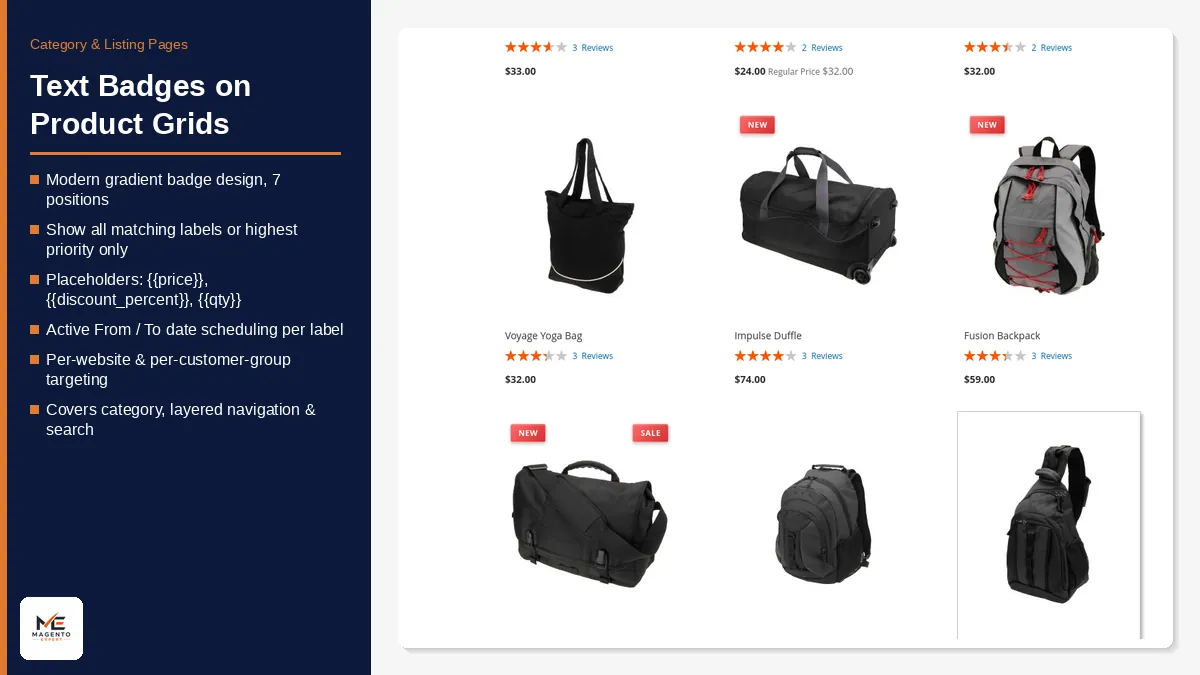
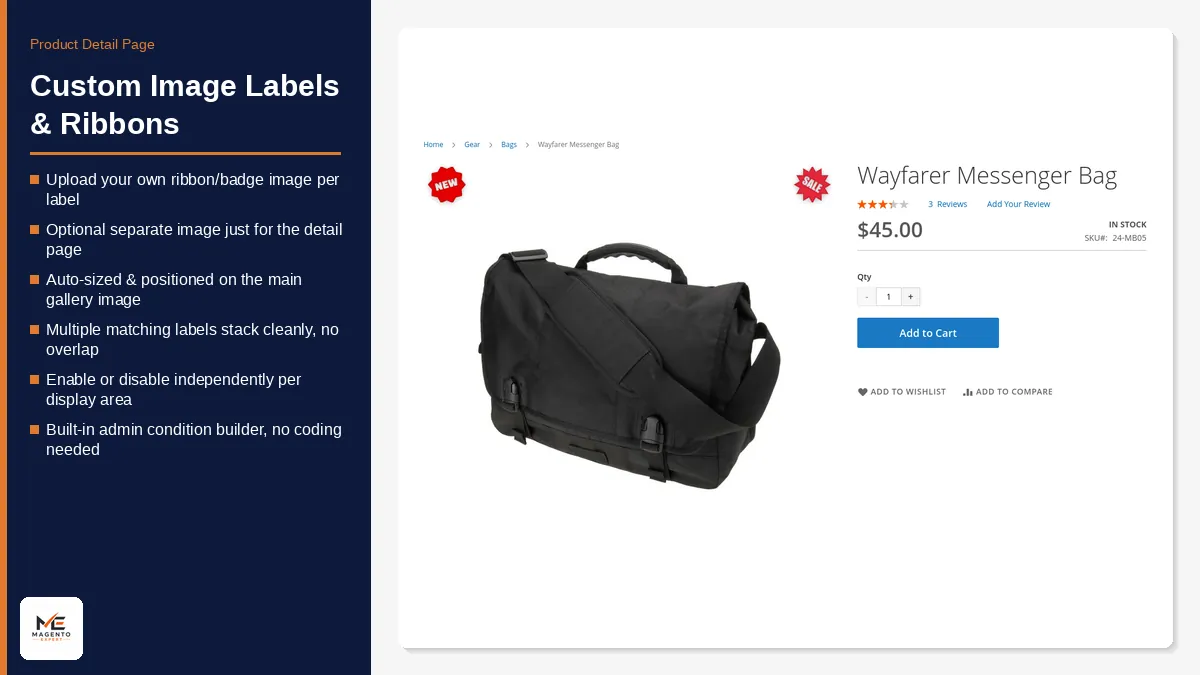
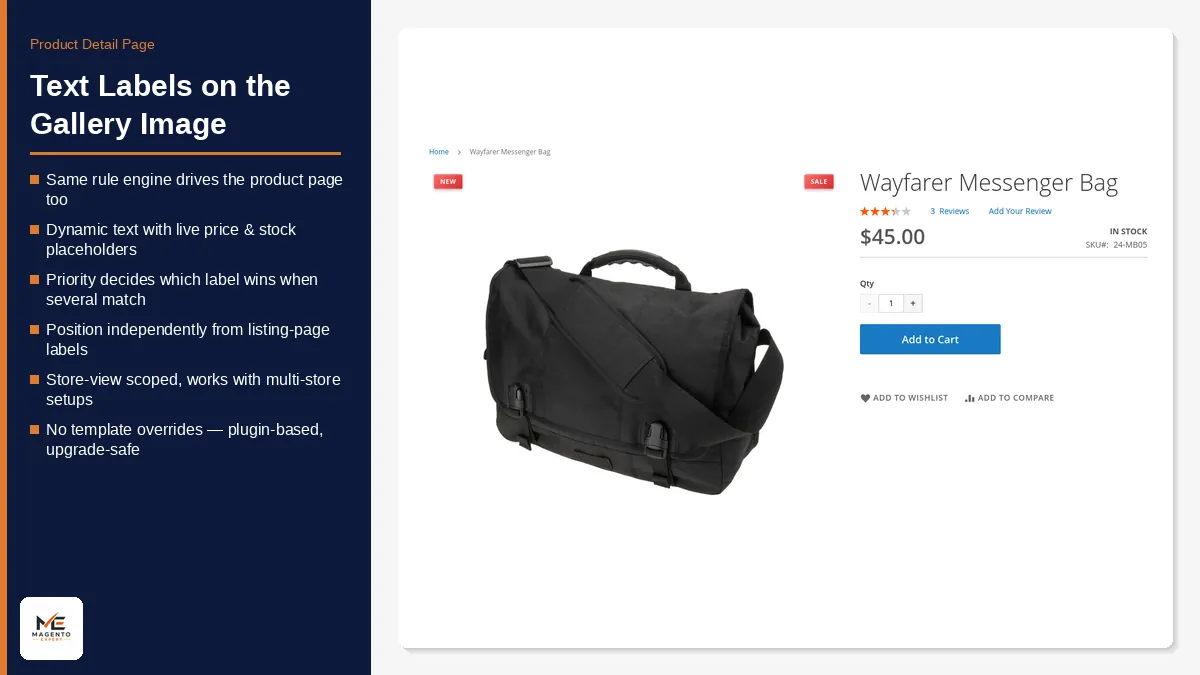
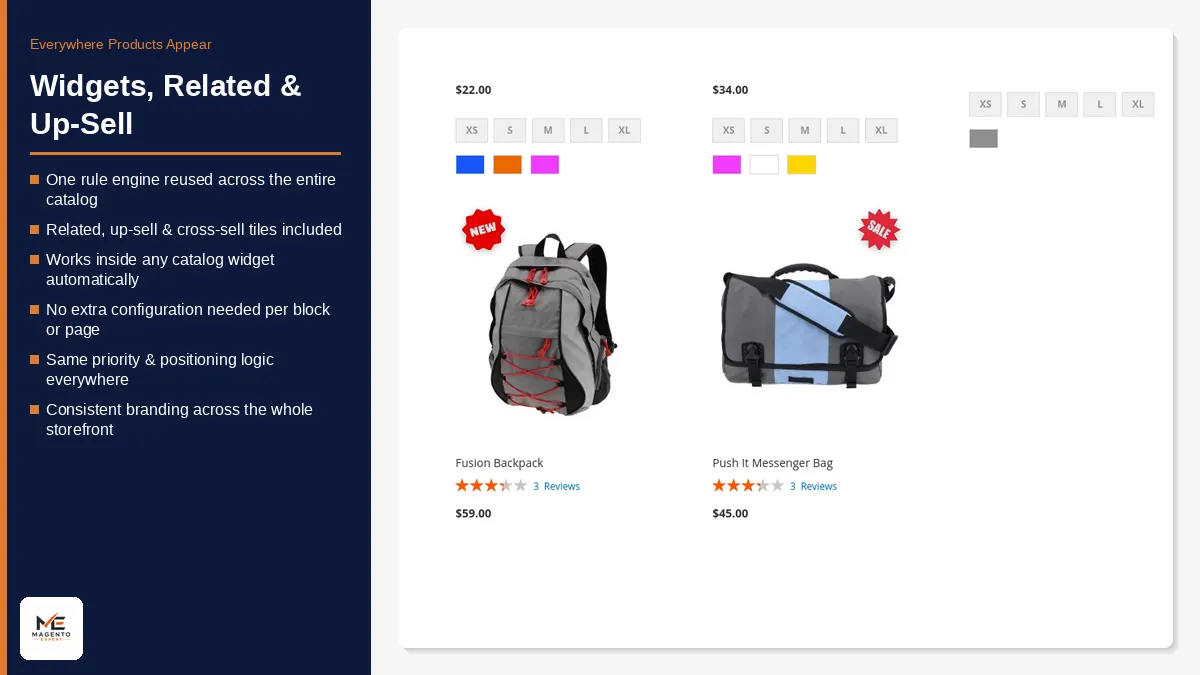
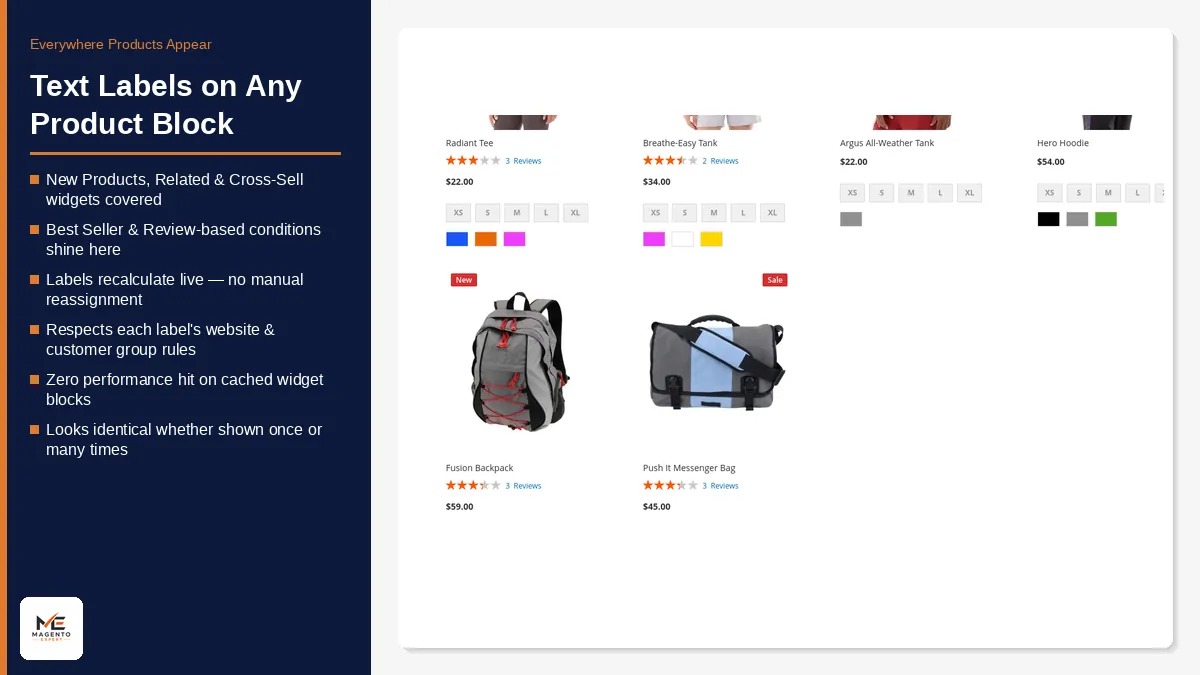
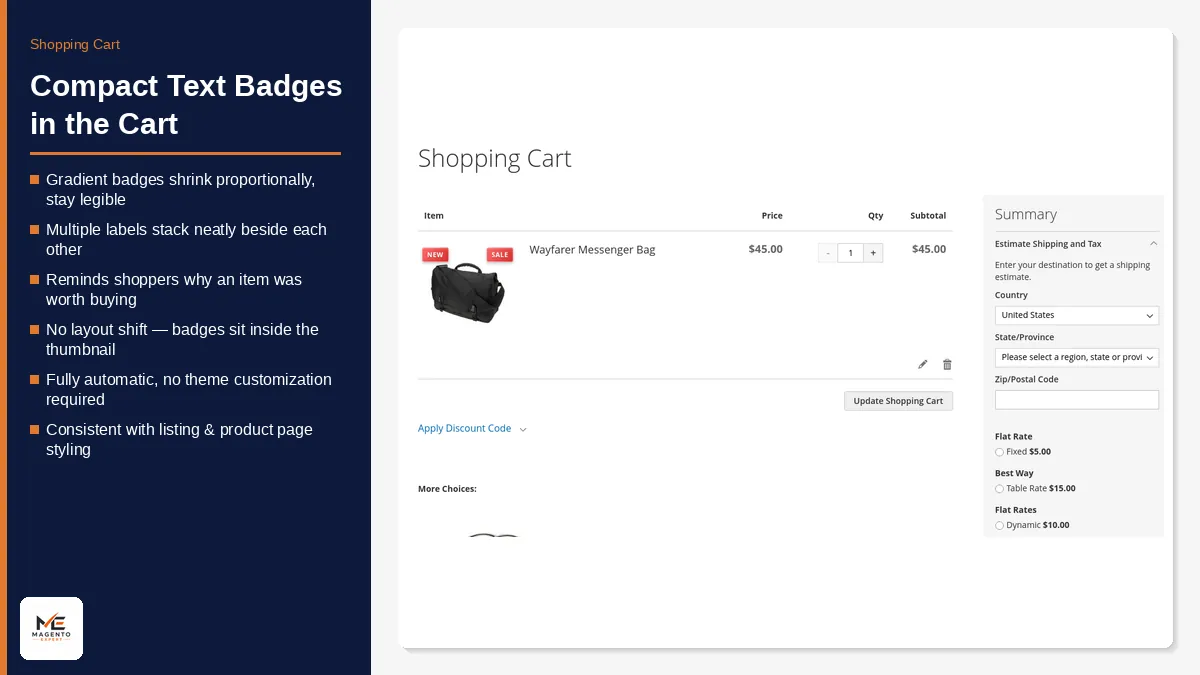
Product Labels adds text or image badges such as New, Sale or Best Seller on product images in listings, search results, widgets and product pages. Each label is a rule built with Magento's own condition builder, so it can match any product attribute, review rating or sales rank. You choose from seven positions, set a priority when several labels match, and schedule labels by date, website and customer group.
Key features
- Text or Image Labels
- Native Rule Condition Builder
- Any Product Attribute
- Best Seller Condition
- Review Rating / Count Condition
- Seven Label Positions
- Priority-Based Conflict Resolution
- Website and Customer Group Targeting
- Active From / To Scheduling
- Dynamic Text Placeholders
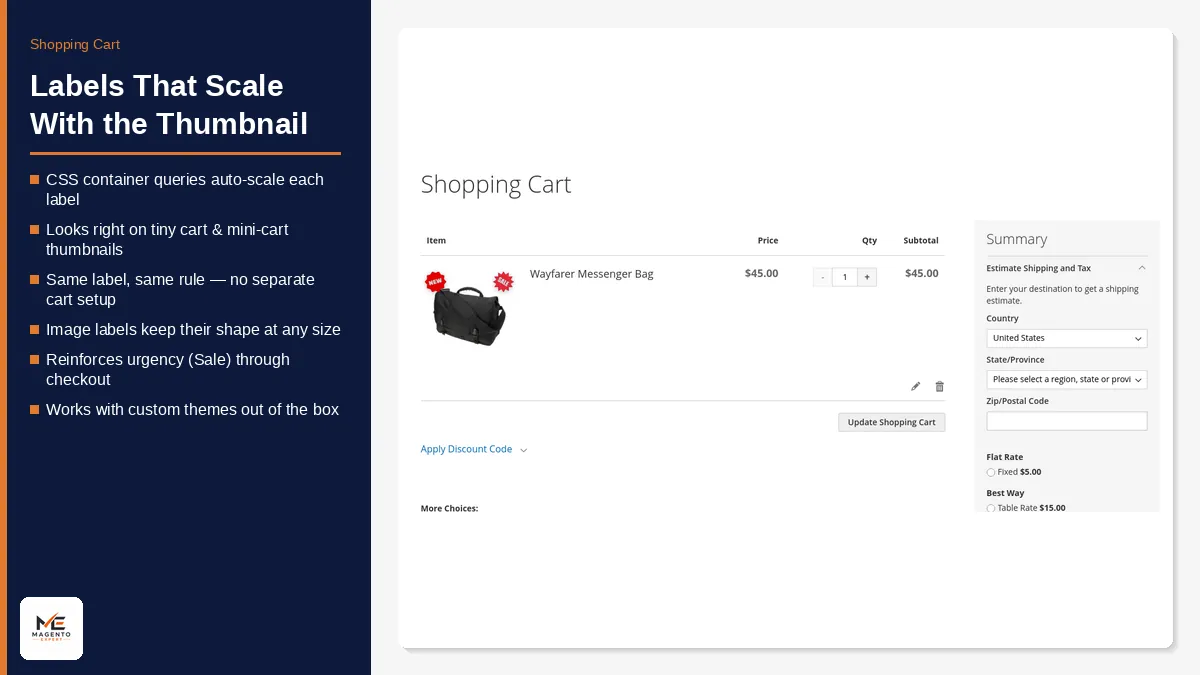
- Coverage Across the Entire Storefront
- Responsive Label Sizing
- Full Admin Grid
- Master Enable / Disable Switch
At a glance
| Module name | Mage2Expert_ProductLabels |
|---|---|
| Composer package | mage2expert/module-product-labels |
| Settings | Stores › Configuration › Mage2Expert › Product Labels (6 options) |
| Admin menu | Catalog › Product Labels › Configuration Catalog › Product Labels › Manage Labels |
| Per store view settings | Yes |
| API | No custom endpoints (uses Magento's standard APIs) |
| PHP | 8.1, 8.2, 8.3, 8.4, 8.5 |
Installation
After purchasing on the Adobe Commerce Marketplace, install it with Composer using your Marketplace access keys:
composer require mage2expert/module-product-labels
bin/magento module:enable Mage2Expert_ProductLabels
bin/magento setup:upgrade
bin/magento setup:di:compile
bin/magento setup:static-content:deploy -f
bin/magento cache:flush
Skip setup:di:compile and static-content:deploy if your store runs in developer mode.
Configuration reference
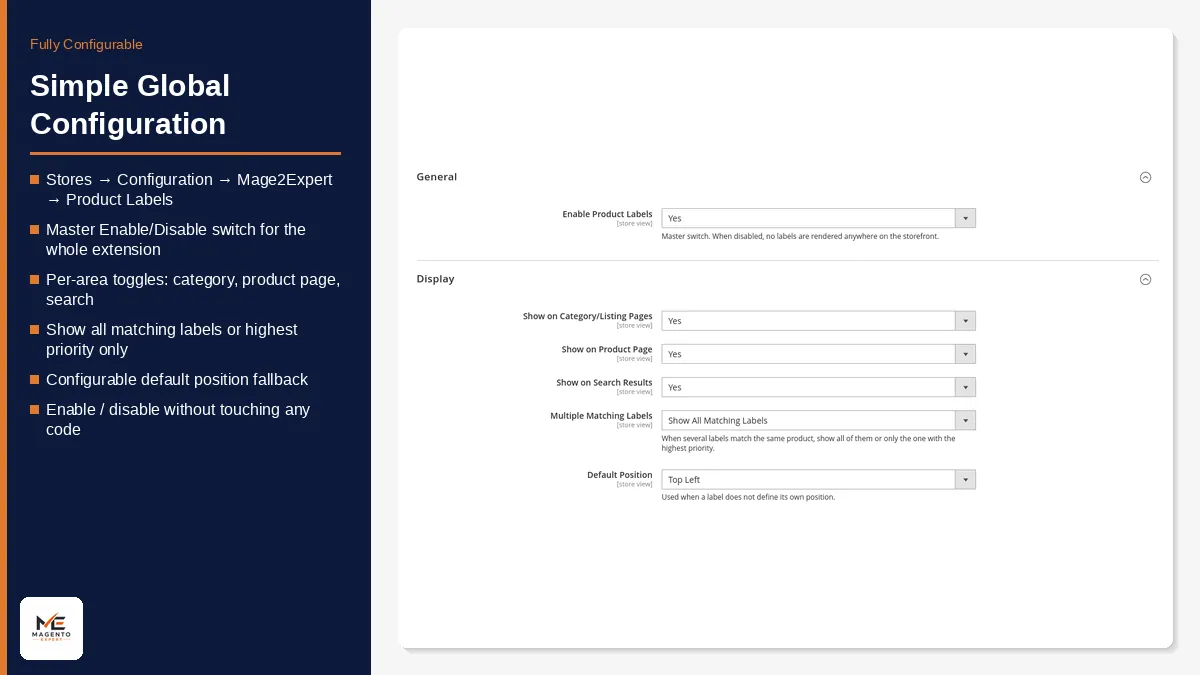
All 6 options under Stores › Configuration › Mage2Expert › Product Labels, grouped as they appear in the admin.
General 1
| Setting | Description |
|---|---|
| Enable Product Labels | Master switch. When disabled, no labels are rendered anywhere on the storefront. |
Display 5
| Setting | Description |
|---|---|
| Show on Category/Listing Pages | |
| Show on Product Page | |
| Show on Search Results | |
| Multiple Matching Labels | When several labels match the same product, show all of them or only the one with the highest priority. |
| Default Position | Used when a label does not define its own position. |
Frequently asked questions
How much does Product Labels cost?
Which Magento and PHP versions are supported?
Where do I configure Product Labels?
Can I switch it off without uninstalling it?
Can the settings differ per store view?
Can it be customised for my store?
More Catalog & Storefront
Related extensions
Ajax Search Autocomplete
Instant search-as-you-type results with products, categories and pages shown in a fast dropdown.
360 Product View
Turn a series of ordinary product photos into an interactive 360° view, so shoppers can turn the product around before they buy.
Hide Price
Hide prices and Add to Cart for guests or chosen customer groups and show a “Call for Price” button instead.
Have a Magento project in mind?
Tell me about your store and what you need. I reply to every enquiry within one business day.
Adobe Certified Expert
Adobe Commerce Developer certification, verified on Credly.
15+ years of Magento
From Magento 1 to Magento 2.4.x, Adobe Commerce and Hyvä.
62 Marketplace extensions
Each one reviewed and approved by Adobe.