HTML Sitemap for Magento 2
A customer-friendly HTML sitemap of categories, products and CMS pages for navigation and SEO.
Why choose HTML Sitemap?
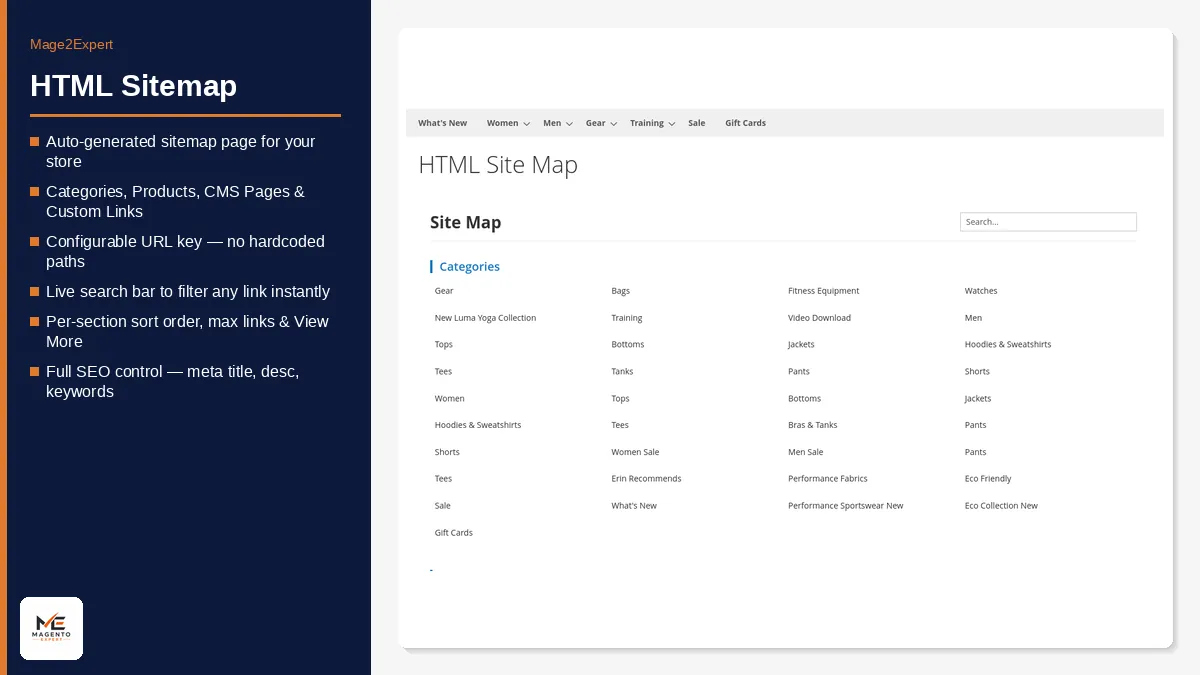
HTML Sitemap creates a customer-facing sitemap page that lists your categories, products, CMS pages and any custom links, with a search box at the top. Each section can be switched on or off, sorted and limited, and the page has its own URL key and SEO fields. It helps both shoppers and search engines find deep pages.
Key features
- Auto-Generated Sitemap Page
- Configurable URL Key with 301 Redirect
- Live Search Bar
- Per-Section Enable / Disable and Sort Order
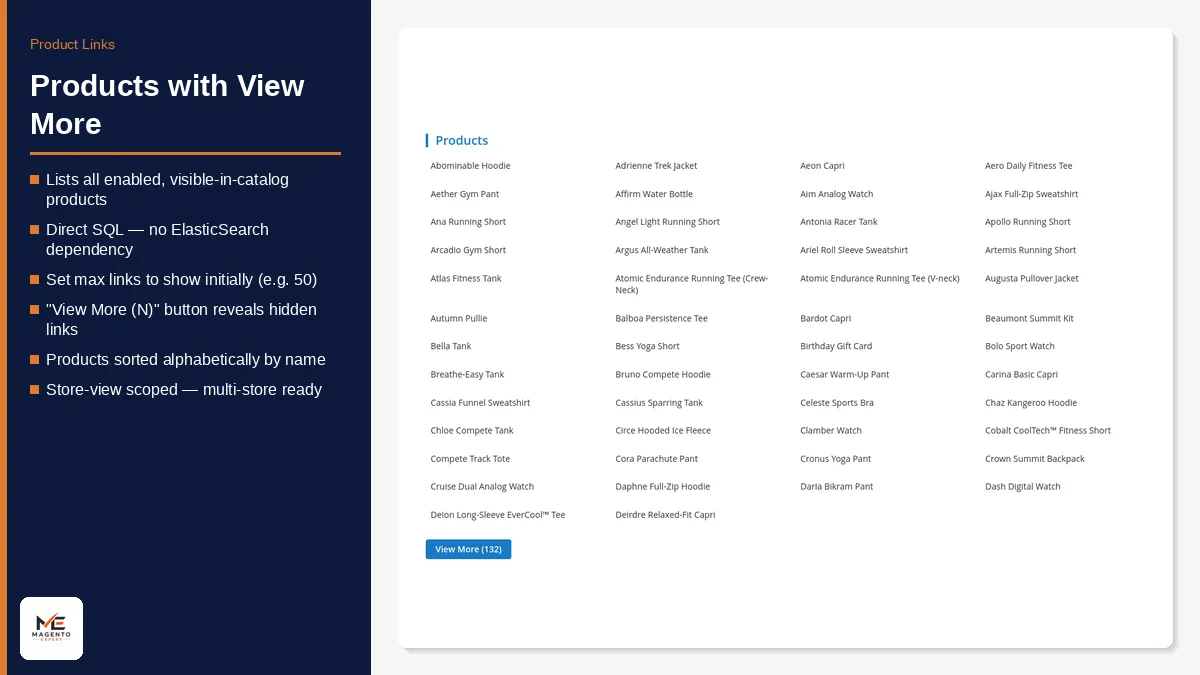
- Per-Section Max Links and View More Button
- ElasticSearch / OpenSearch Independent Product Query
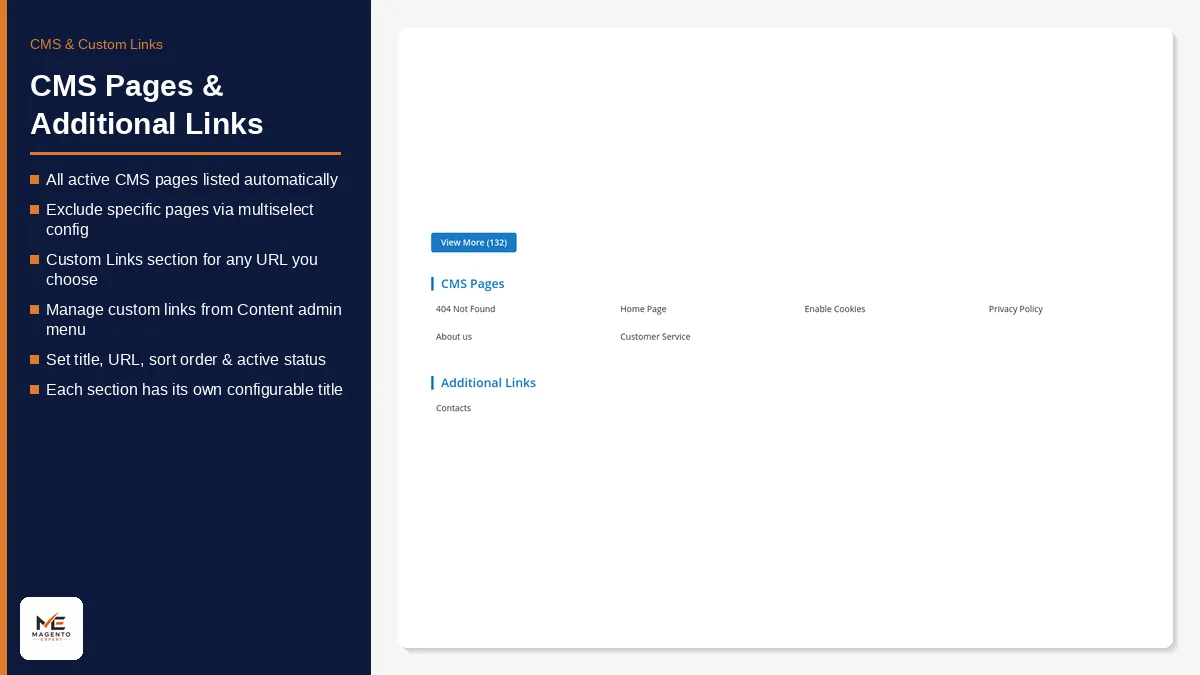
- CMS Page Exclusions
- Custom Links Admin Grid
- Full SEO Meta Control
- Custom Section Headings
- Configurable Page Title
- Store-View Scope Throughout
- Enable / Disable without Uninstalling
- Zero Core Code Modifications
At a glance
| Module name | Mage2Expert_HtmlSitemap |
|---|---|
| Composer package | mage2expert/module-html-sitemap |
| Settings | Stores › Configuration › Mage2Expert › HTML Sitemap (25 options) |
| Admin menu | Content › HTML Sitemap › Custom Links |
| Per store view settings | Yes |
| API | No custom endpoints (uses Magento's standard APIs) |
| PHP | 8.1, 8.2, 8.3, 8.4, 8.5 |
Installation
After purchasing on the Adobe Commerce Marketplace, install it with Composer using your Marketplace access keys:
composer require mage2expert/module-html-sitemap
bin/magento module:enable Mage2Expert_HtmlSitemap
bin/magento setup:upgrade
bin/magento setup:di:compile
bin/magento setup:static-content:deploy -f
bin/magento cache:flush
Skip setup:di:compile and static-content:deploy if your store runs in developer mode.
Configuration reference
All 25 options under Stores › Configuration › Mage2Expert › HTML Sitemap, grouped as they appear in the admin.
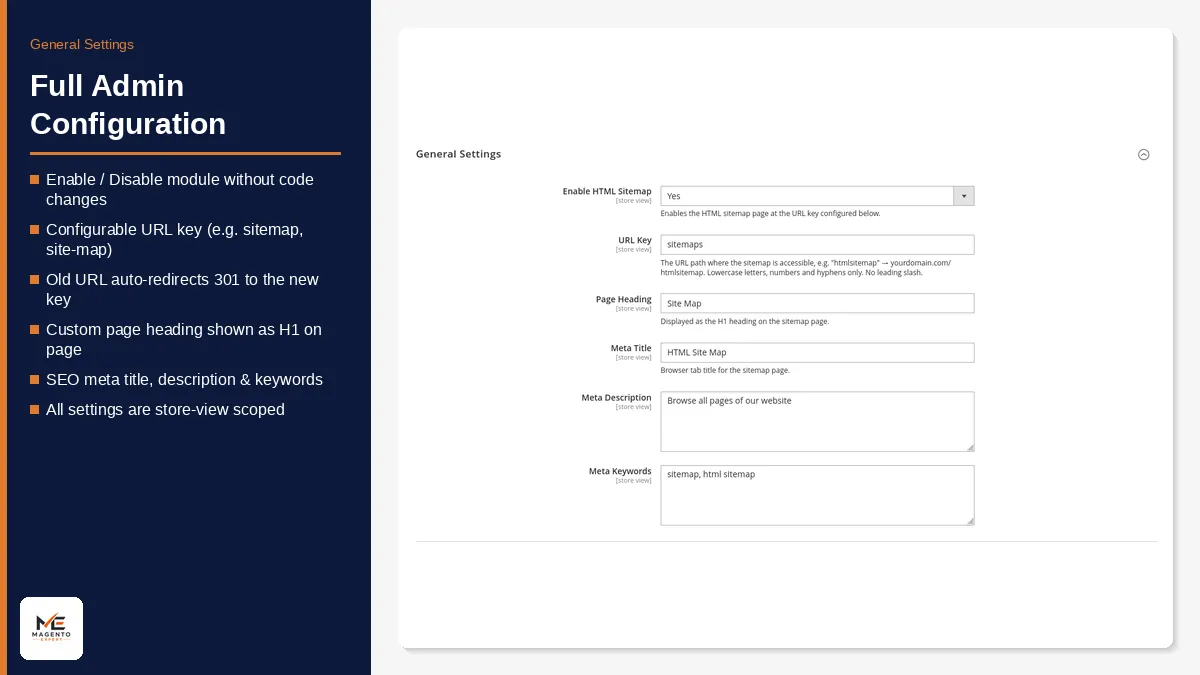
General Settings 6
| Setting | Description |
|---|---|
| Enable HTML Sitemap | Enables the HTML sitemap page at the URL key configured below. |
| URL Key | The URL path where the sitemap is accessible, e.g. "htmlsitemap" → yourdomain.com/htmlsitemap. Lowercase letters, numbers and hyphens only. No leading slash. |
| Page Heading | Displayed as the H1 heading on the sitemap page. |
| Meta Title | Browser tab title for the sitemap page. |
| Meta Description | |
| Meta Keywords |
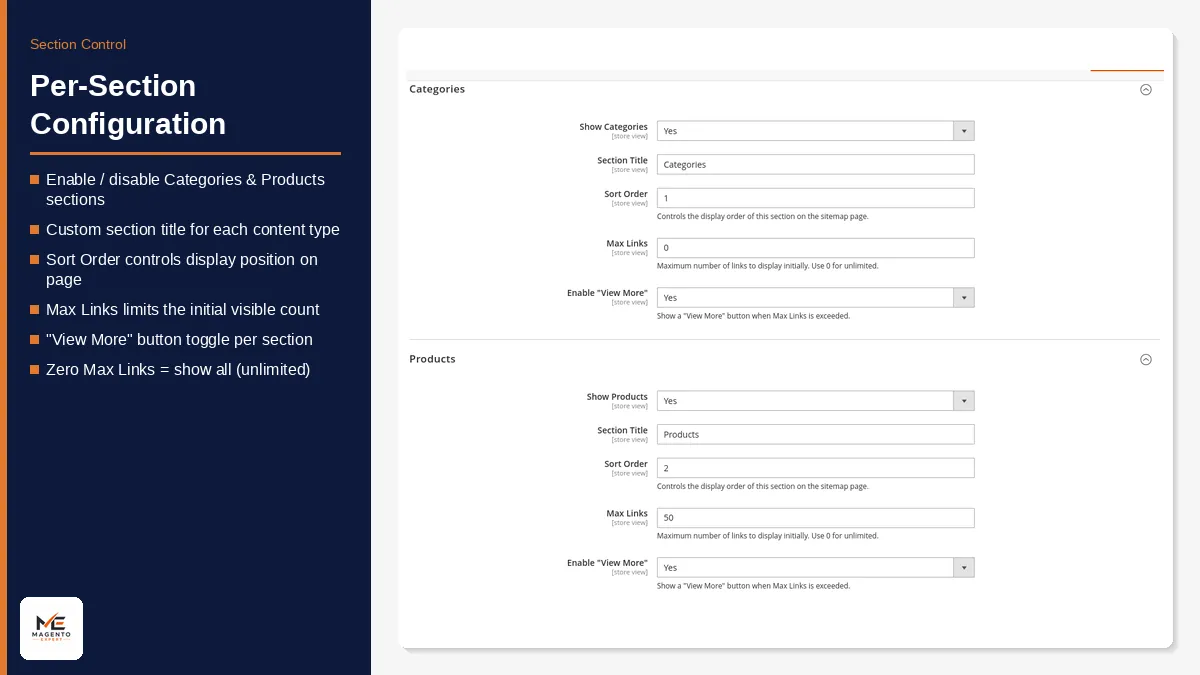
Categories 5
| Setting | Description |
|---|---|
| Show Categories | |
| Section Title | |
| Sort Order | Controls the display order of this section on the sitemap page. |
| Max Links | Maximum number of links to display initially. Use 0 for unlimited. |
| Enable "View More" | Show a "View More" button when Max Links is exceeded. |
Products 5
| Setting | Description |
|---|---|
| Show Products | |
| Section Title | |
| Sort Order | Controls the display order of this section on the sitemap page. |
| Max Links | Maximum number of links to display initially. Use 0 for unlimited. |
| Enable "View More" | Show a "View More" button when Max Links is exceeded. |
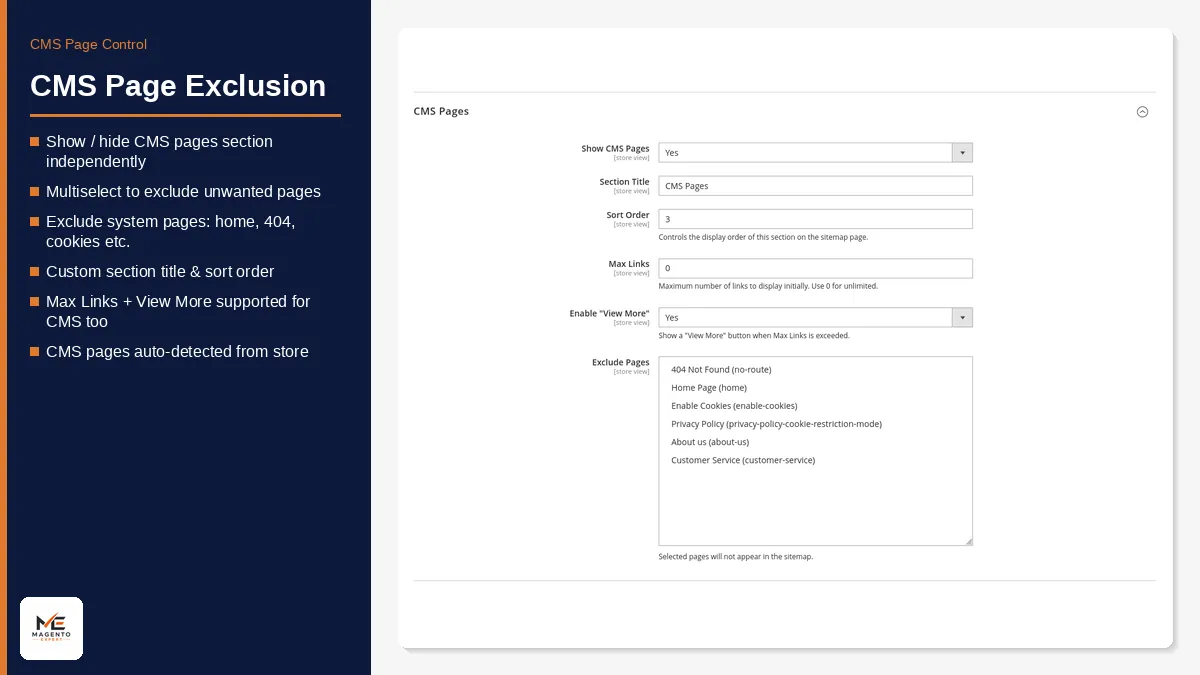
CMS Pages 6
| Setting | Description |
|---|---|
| Show CMS Pages | |
| Section Title | |
| Sort Order | Controls the display order of this section on the sitemap page. |
| Max Links | Maximum number of links to display initially. Use 0 for unlimited. |
| Enable "View More" | Show a "View More" button when Max Links is exceeded. |
| Exclude Pages | Selected pages will not appear in the sitemap. |
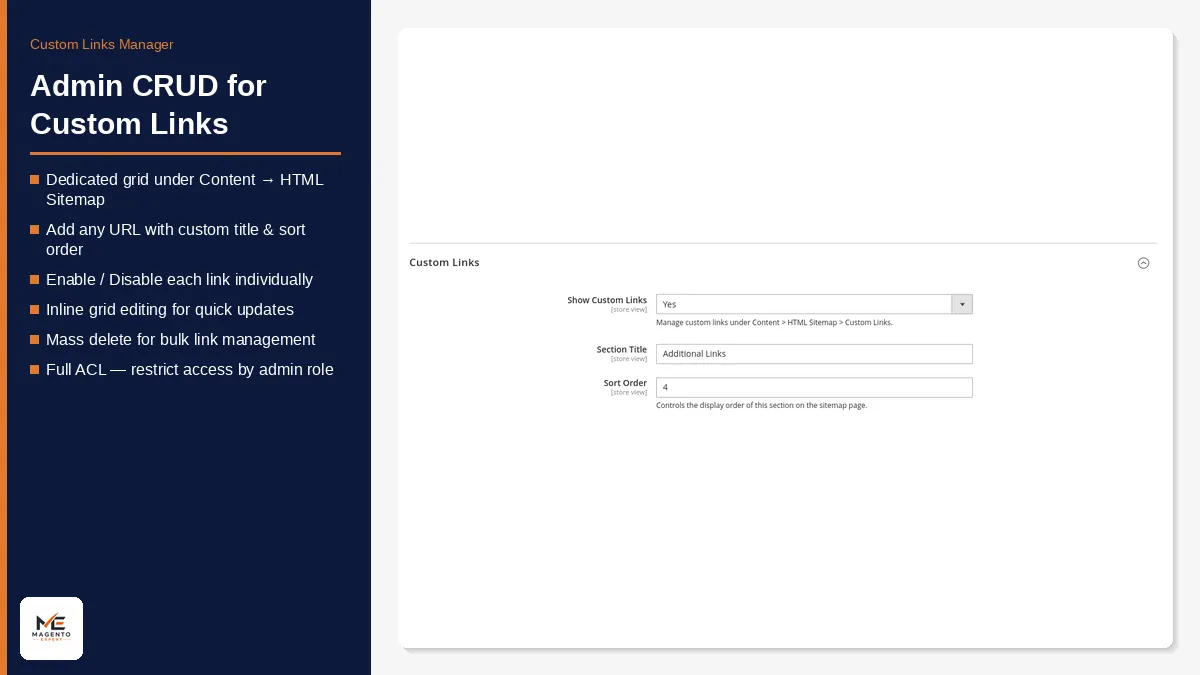
Custom Links 3
| Setting | Description |
|---|---|
| Show Custom Links | Manage custom links under Content > HTML Sitemap > Custom Links. |
| Section Title | |
| Sort Order | Controls the display order of this section on the sitemap page. |
Frequently asked questions
How much does HTML Sitemap cost?
Which Magento and PHP versions are supported?
Where do I configure HTML Sitemap?
Can I switch it off without uninstalling it?
Can the settings differ per store view?
Can it be customised for my store?
More SEO & Content
Related extensions
LLMs.txt Generator
Publish an llms.txt file so AI assistants such as ChatGPT, Claude and Perplexity can understand your store, built from your own catalog.
Blog
A full-featured blog for your store with posts, categories, tags and SEO-friendly URLs.
Auto Meta Tag Generator
Automatically fills blank SEO meta titles and descriptions from templates when products and categories are saved.
Have a Magento project in mind?
Tell me about your store and what you need. I reply to every enquiry within one business day.
Adobe Certified Expert
Adobe Commerce Developer certification, verified on Credly.
15+ years of Magento
From Magento 1 to Magento 2.4.x, Adobe Commerce and Hyvä.
62 Marketplace extensions
Each one reviewed and approved by Adobe.