Out Of Stock At Last for Magento 2
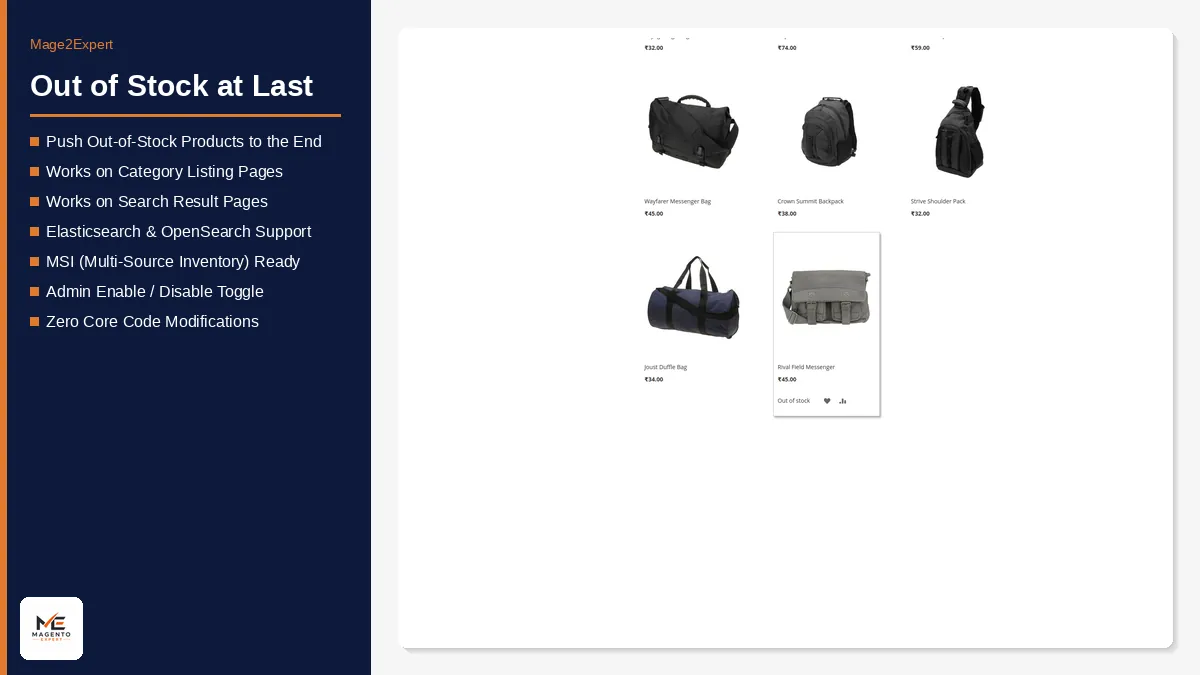
Automatically push out-of-stock products to the end of category and search listings.
Why choose Out Of Stock At Last?
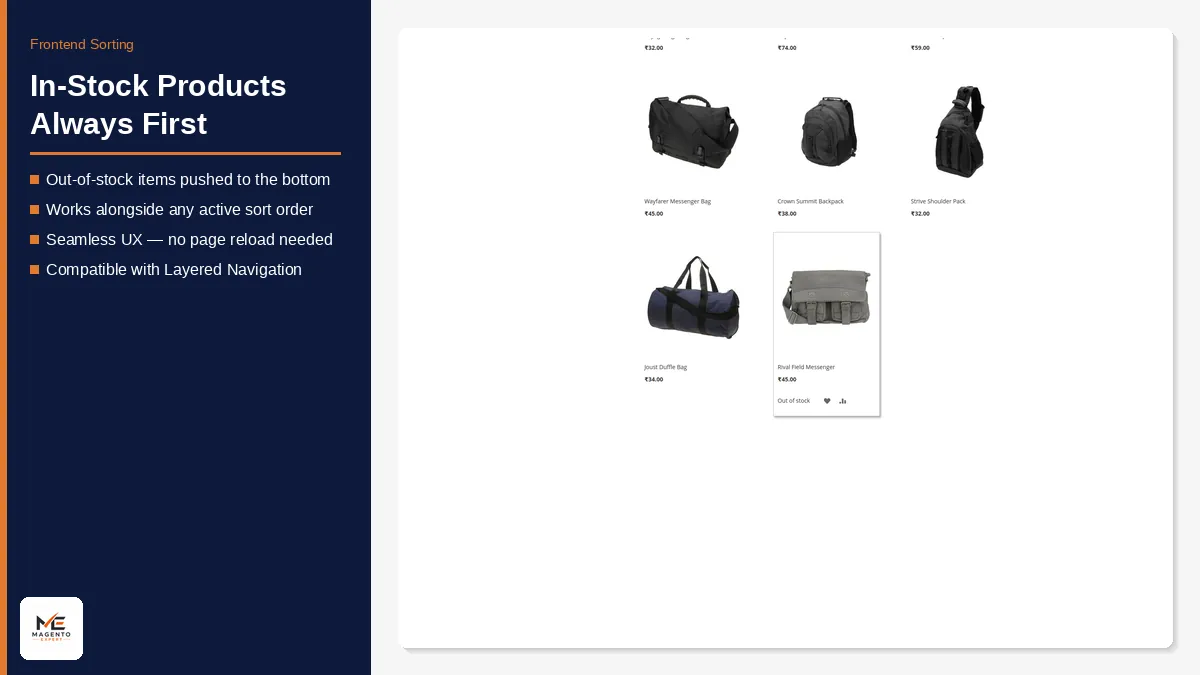
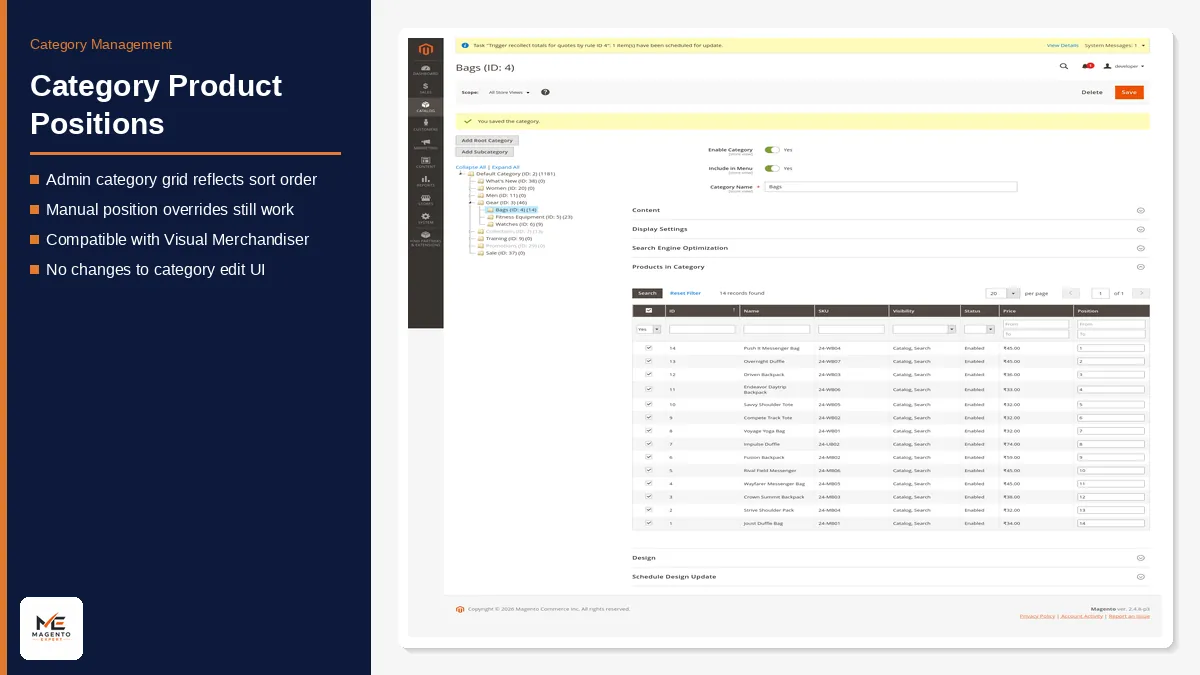
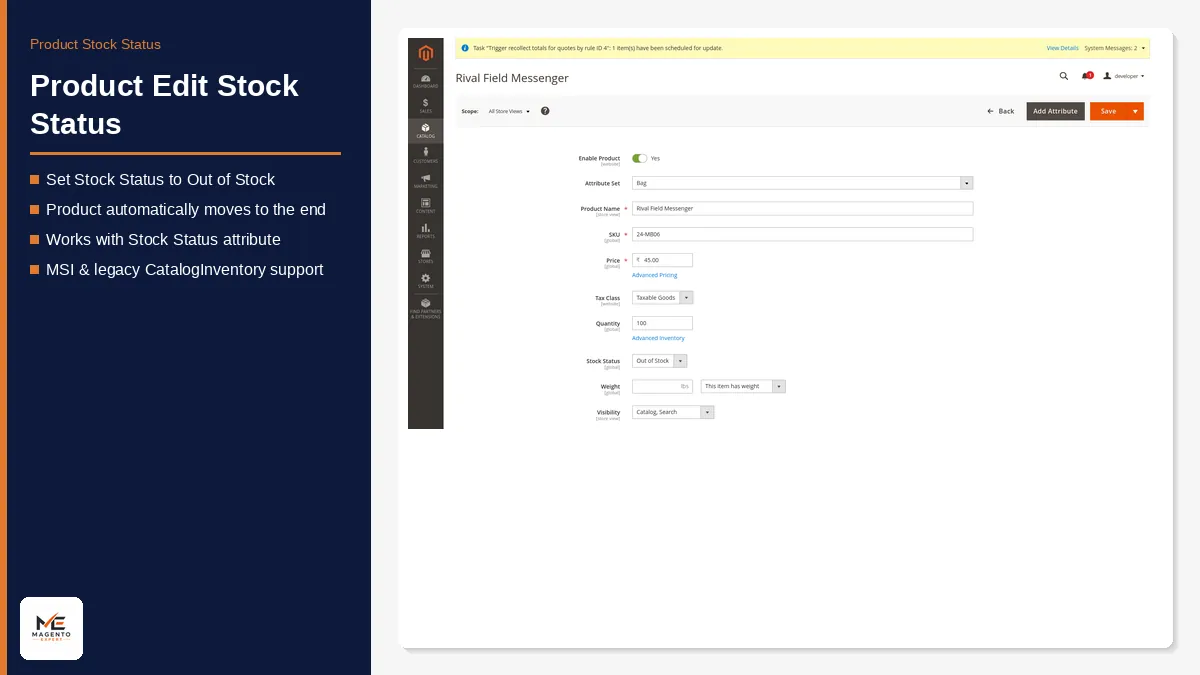
Out Of Stock At Last moves products that cannot be bought to the end of category and search result listings, so shoppers see what they can actually order first. It works alongside whatever sort order the shopper chooses (price, name, newest and so on): in-stock products are sorted first, then out-of-stock products. No reindexing or product changes are needed.
At a glance
| Module name | Mage2Expert_OutOfStockAtLast |
|---|---|
| Composer package | mage2expert/module-outofstockatlast |
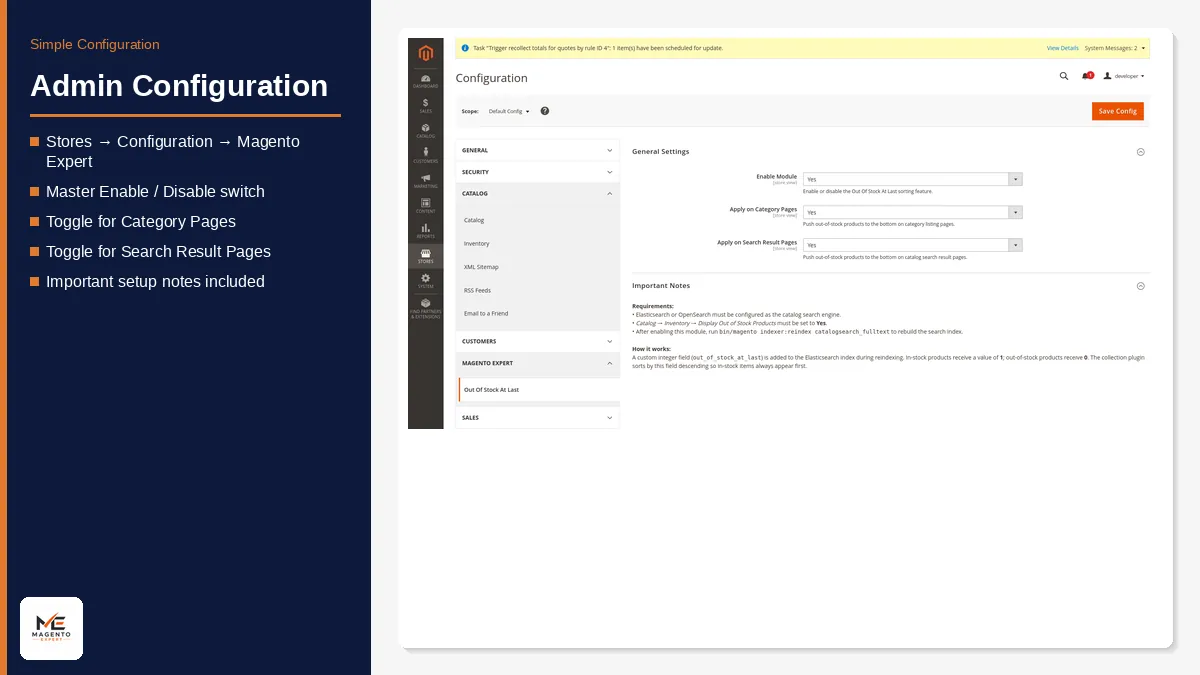
| Settings | Stores › Configuration › Magento Expert › Out Of Stock At Last (3 options) |
| Per store view settings | Yes |
| API | No custom endpoints (uses Magento's standard APIs) |
| PHP | 8.1, 8.2, 8.3, 8.4, 8.5 |
Installation
After purchasing on the Adobe Commerce Marketplace, install it with Composer using your Marketplace access keys:
composer require mage2expert/module-outofstockatlast
bin/magento module:enable Mage2Expert_OutOfStockAtLast
bin/magento setup:upgrade
bin/magento setup:di:compile
bin/magento setup:static-content:deploy -f
bin/magento cache:flush
Skip setup:di:compile and static-content:deploy if your store runs in developer mode.
Configuration reference
All 3 options under Stores › Configuration › Magento Expert › Out Of Stock At Last, grouped as they appear in the admin.
General Settings 3
| Setting | Description |
|---|---|
| Enable Module | Enable or disable the Out Of Stock At Last sorting feature. |
| Apply on Category Pages | Push out-of-stock products to the bottom on category listing pages. |
| Apply on Search Result Pages | Push out-of-stock products to the bottom on catalog search result pages. |
Frequently asked questions
How much does Out Of Stock At Last cost?
Which Magento and PHP versions are supported?
Where do I configure Out Of Stock At Last?
Can I switch it off without uninstalling it?
Can the settings differ per store view?
Can it be customised for my store?
More Catalog & Storefront
Related extensions
Ajax Search Autocomplete
Instant search-as-you-type results with products, categories and pages shown in a fast dropdown.
360 Product View
Turn a series of ordinary product photos into an interactive 360° view, so shoppers can turn the product around before they buy.
Product Labels
Rule-based text or image badges such as “New” or “Sale” on product images, everywhere they appear in your store.
Have a Magento project in mind?
Tell me about your store and what you need. I reply to every enquiry within one business day.
Adobe Certified Expert
Adobe Commerce Developer certification, verified on Credly.
15+ years of Magento
From Magento 1 to Magento 2.4.x, Adobe Commerce and Hyvä.
62 Marketplace extensions
Each one reviewed and approved by Adobe.