
Maintenance Page for Magento 2
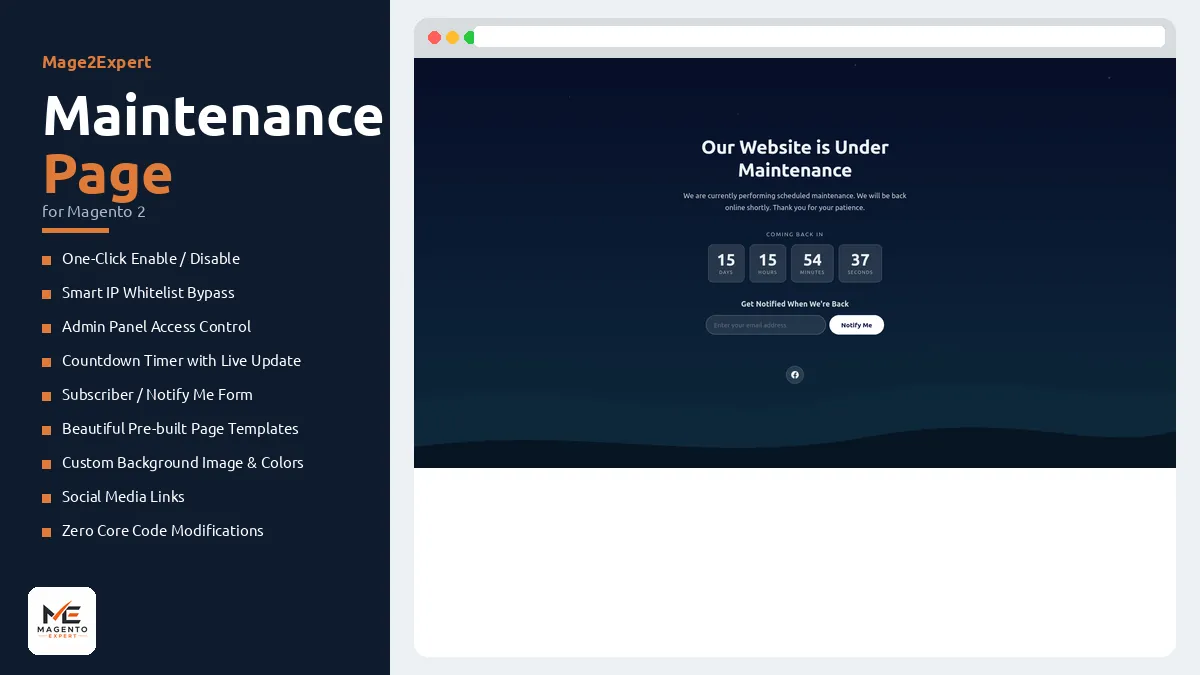
A maintenance and coming-soon page you can switch on without code, so visitors see a friendly notice while you work.
Why choose Maintenance Page?
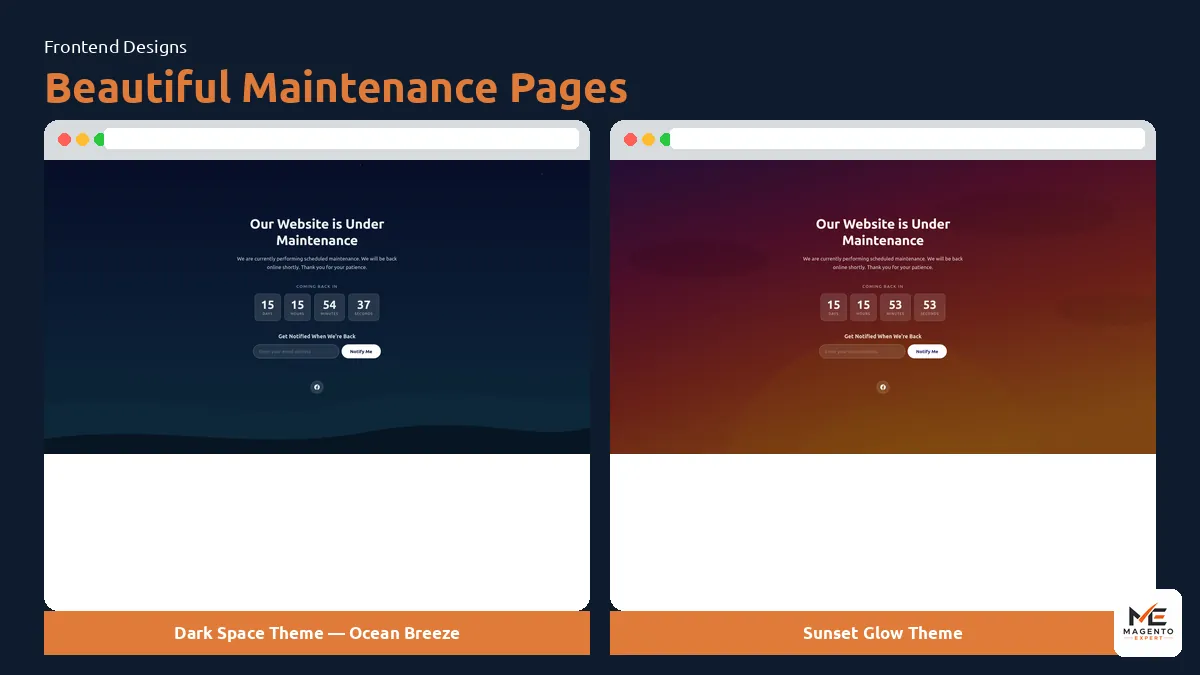
Maintenance Page shows visitors a branded maintenance or coming-soon page while you work on the store, switched on from the admin instead of the command line. The admin panel and IP addresses you allow keep full access, so you can test changes on the live store before reopening it.
At a glance
| Module name | Mage2Expert_Maintenance |
|---|---|
| Composer package | mage2expert/module-maintenance |
| Settings | Stores › Configuration › Magento Expert › Maintenance Page (28 options) |
| Per store view settings | Yes |
| API | No custom endpoints (uses Magento's standard APIs) |
| PHP | 8.1, 8.2, 8.3, 8.4, 8.5 |
Installation
After purchasing on the Adobe Commerce Marketplace, install it with Composer using your Marketplace access keys:
composer require mage2expert/module-maintenance
bin/magento module:enable Mage2Expert_Maintenance
bin/magento setup:upgrade
bin/magento setup:di:compile
bin/magento setup:static-content:deploy -f
bin/magento cache:flush
Skip setup:di:compile and static-content:deploy if your store runs in developer mode.
Configuration reference
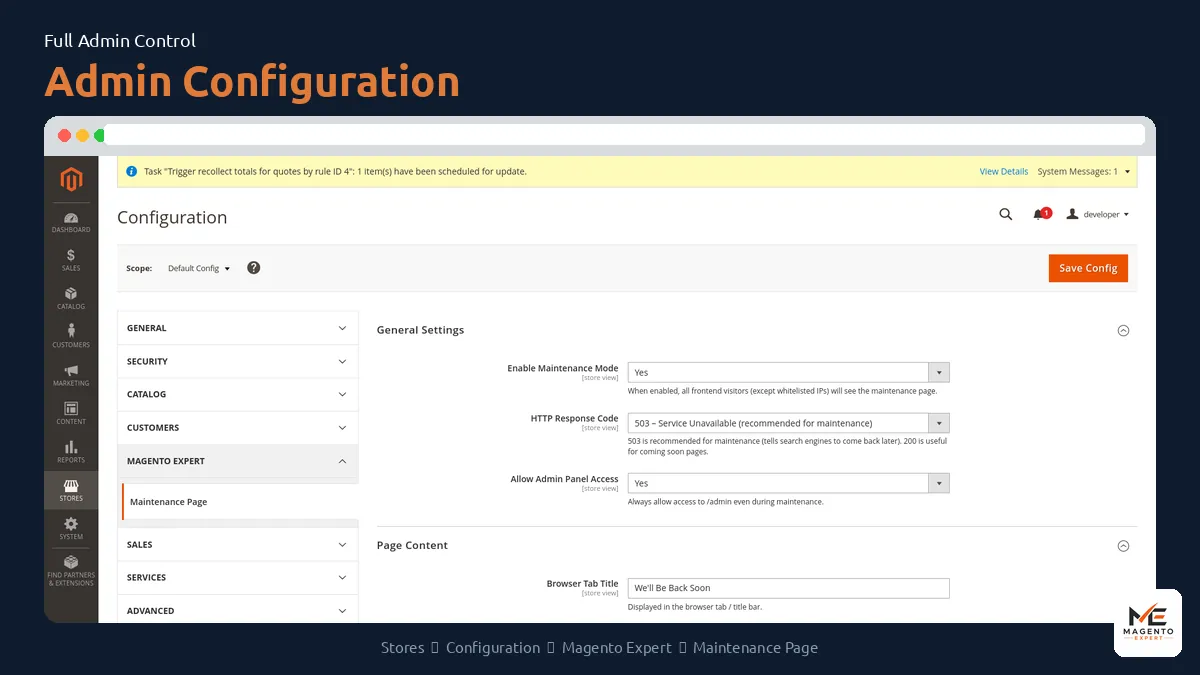
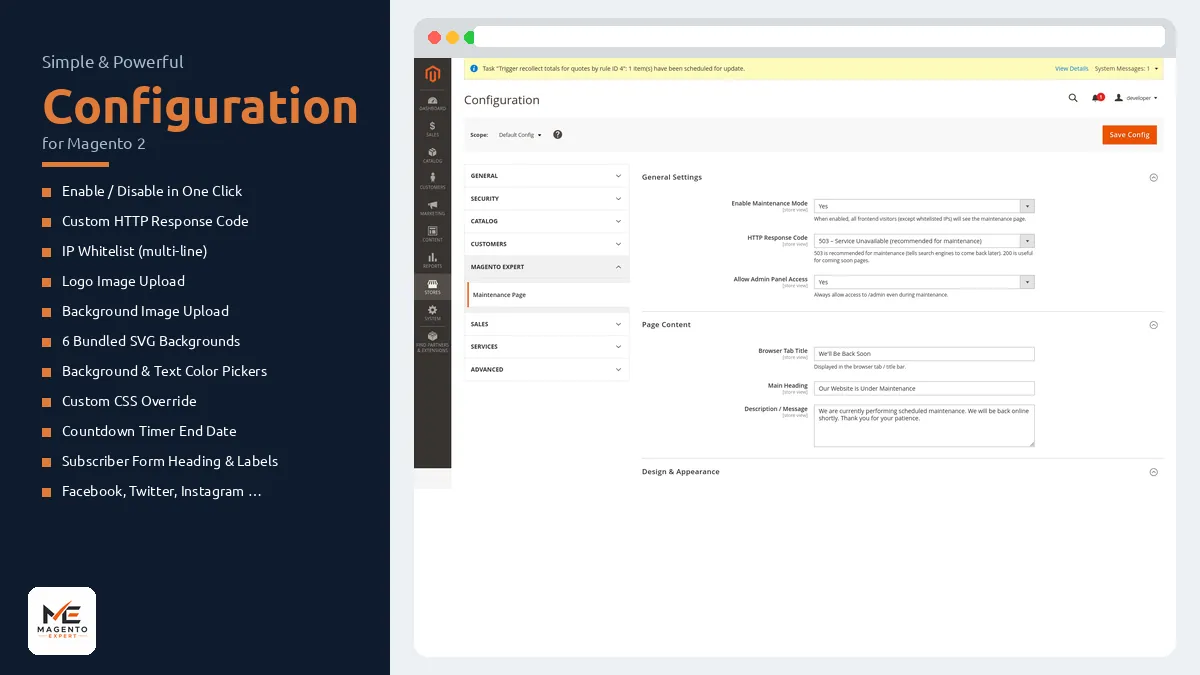
All 28 options under Stores › Configuration › Magento Expert › Maintenance Page, grouped as they appear in the admin.
General Settings 3
| Setting | Description |
|---|---|
| Enable Maintenance Mode | When enabled, all frontend visitors (except whitelisted IPs) will see the maintenance page. |
| HTTP Response Code | 503 is recommended for maintenance (tells search engines to come back later). 200 is useful for coming soon pages. |
| Allow Admin Panel Access | Always allow access to /admin even during maintenance. |
Page Content 3
| Setting | Description |
|---|---|
| Browser Tab Title | Displayed in the browser tab / title bar. |
| Main Heading | |
| Description / Message |
Design & Appearance 7
| Setting | Description |
|---|---|
| Page Template | Selecting a template auto-fills the color and background fields below. Choose Custom to configure individually. |
| Logo Image | Recommended: PNG with transparent background. Max 200px height. |
| Background Image | Recommended size: 1920x1080px (full HD). JPG/PNG, max 2 MB. Uploaded image takes priority over the bundled background below. Leave empty to use a bundled background or plain color. |
| Bundled Background | Choose a built-in SVG background. Used when no uploaded image is set. |
| Background Color | Hex color, e.g. #1a1a2e. Used as fallback when no image is set. |
| Text Color | Hex color, e.g. #ffffff. |
| Custom CSS | Add custom CSS rules to override default styling. Do not include style tags. |
Countdown Timer 3
| Setting | Description |
|---|---|
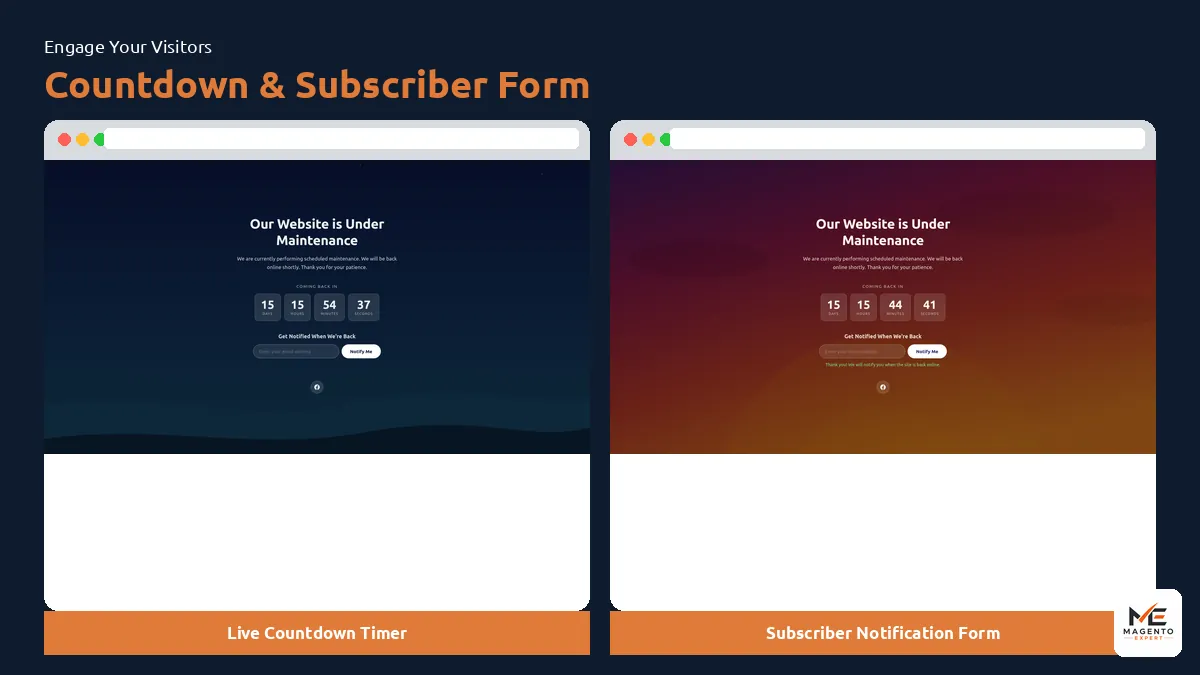
| Enable Countdown Timer | |
| Countdown End Date | Enter in YYYY-MM-DD format, e.g. 2025-12-31. The countdown timer will count down to this date. |
| Timer Label |
Subscriber / Notify Me Form 5
| Setting | Description |
|---|---|
| Enable Subscriber Form | Shows an email field so visitors can be notified when the site is back. Emails are saved to Magento's newsletter subscribers. |
| Form Heading | |
| Button Text | |
| Success Message | |
| Error Message |
Social Media Links 6
| Setting | Description |
|---|---|
| Facebook URL | |
| Twitter / X URL | |
| Instagram URL | |
| LinkedIn URL | |
| YouTube URL | |
| Pinterest URL |
IP Whitelist 1
| Setting | Description |
|---|---|
| Whitelisted IP Addresses | Enter one IP address per line. Visitors from these IPs will bypass maintenance mode and see the normal site. |
Frequently asked questions
How much does Maintenance Page cost?
Which Magento and PHP versions are supported?
Where do I configure Maintenance Page?
Can I switch it off without uninstalling it?
Can the settings differ per store view?
Can it be customised for my store?
More Admin & Tools
Related extensions
Better Admin Order Grid
Colour-coded statuses, a product quick view, extra filterable columns and mass status changes for the admin order grid.
Admin Action Logs
A searchable audit trail of every admin change, with one-click restore of edits and deleted records, login alerts and active sessions.
Product Grid Editor
Turn the admin Products grid into a fast inline editing workspace, without opening each product.
Have a Magento project in mind?
Tell me about your store and what you need. I reply to every enquiry within one business day.
Adobe Certified Expert
Adobe Commerce Developer certification, verified on Credly.
15+ years of Magento
From Magento 1 to Magento 2.4.x, Adobe Commerce and Hyvä.
62 Marketplace extensions
Each one reviewed and approved by Adobe.