
Google Language Translation for Magento 2
A free, Google-powered language switcher for your storefront header, footer or any CMS page.
Why choose Google Language Translation?
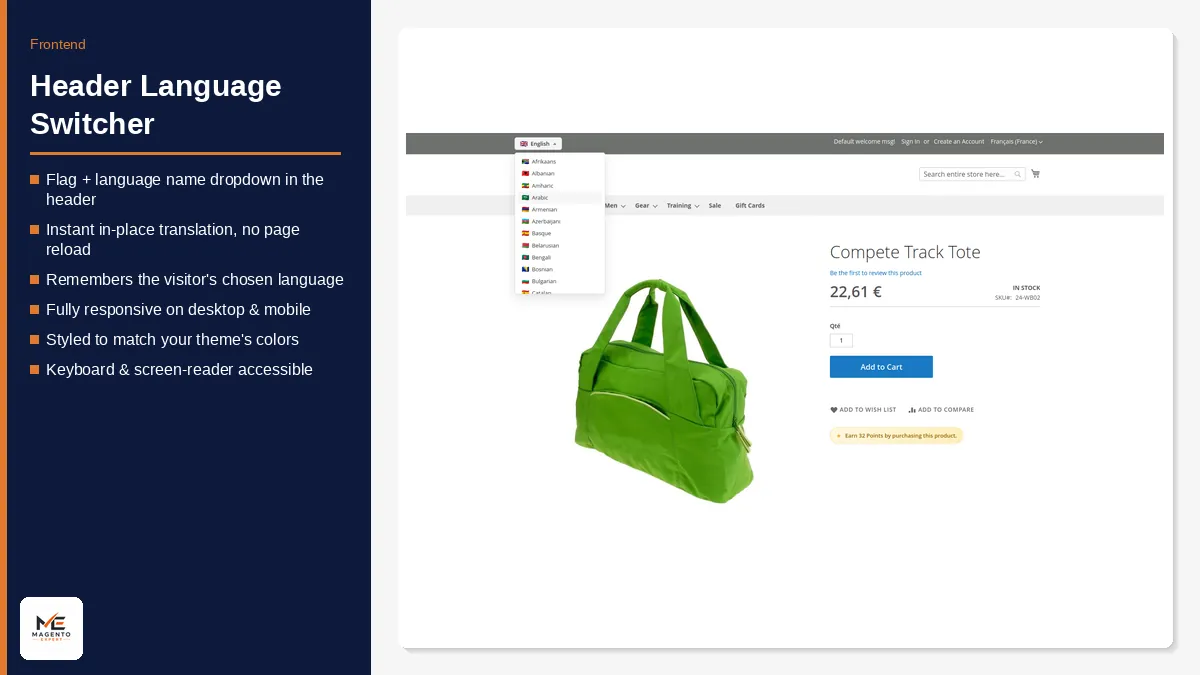
Google Language Translation adds a language switcher to the header, footer or any CMS page using Google's website translator, with no API key or billing account needed. Pages translate instantly without reloading, you choose which languages to offer and where the switcher appears, and parts of the page can be excluded from translation.
Key features
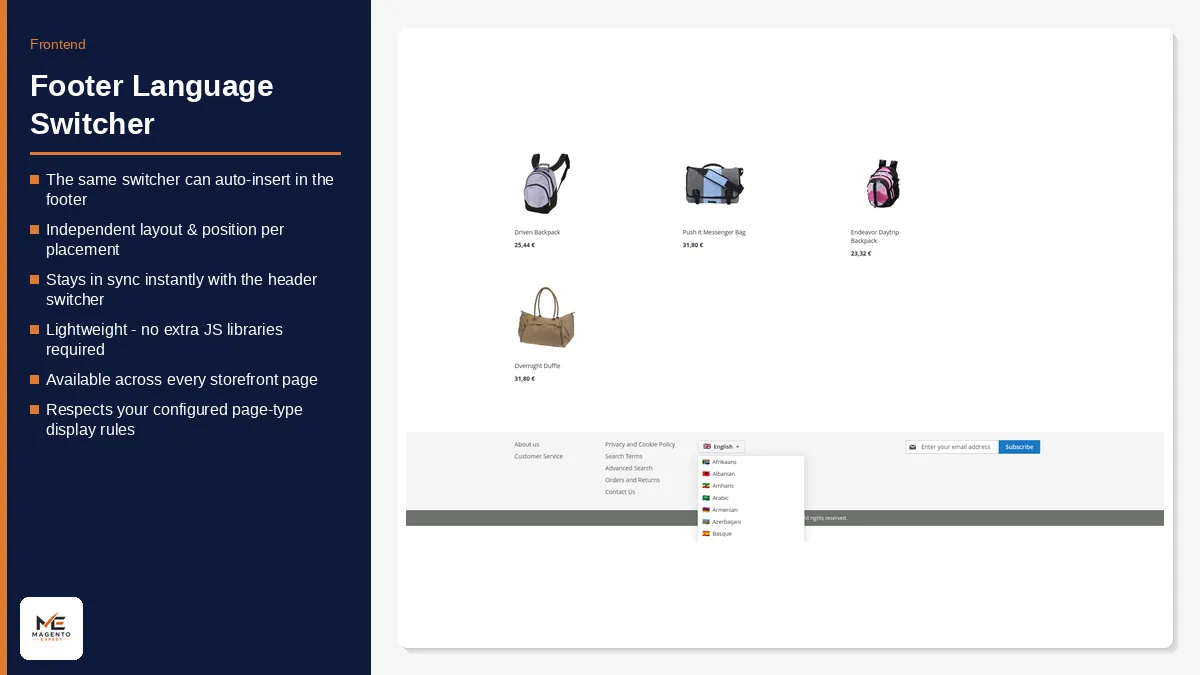
- Header & Footer Auto-Placement
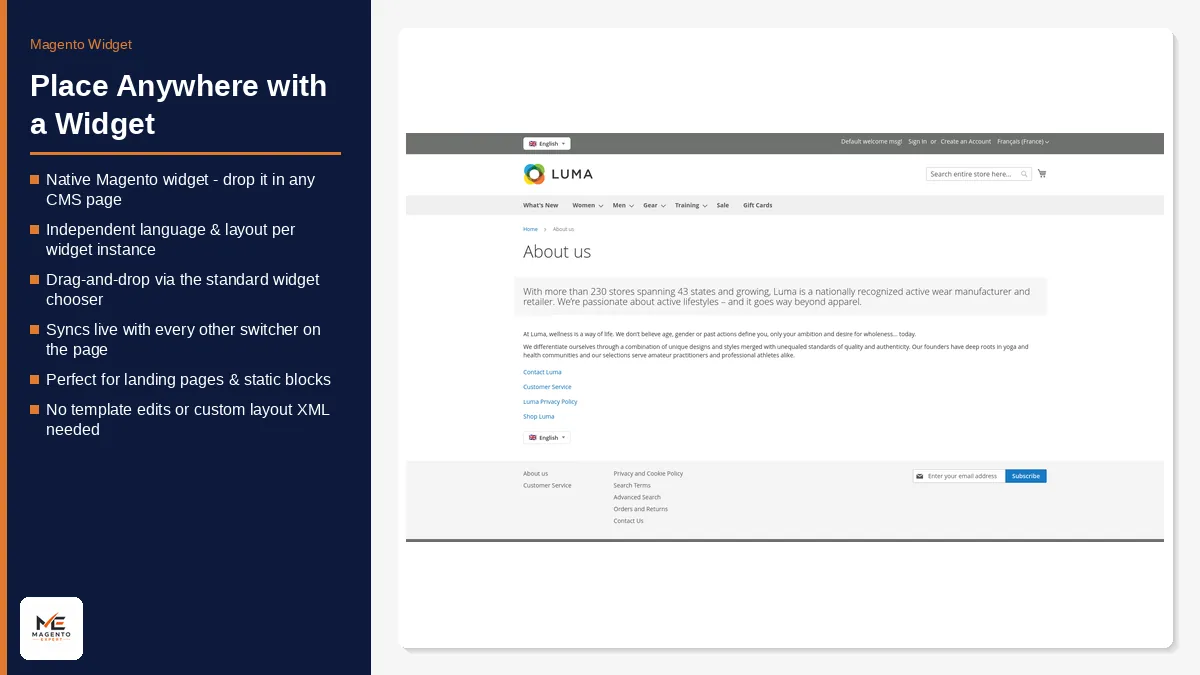
- CMS Widget Placement
- Live, No-Reload Translation
- Custom Styled Dropdown
- Hide Google Branding
- Choose Which Languages to Offer
- Per Page-Type Display Rules
- Translation Exclusions
- Store-View Scoped Settings
- Enable / Disable without Losing Settings
- No API Key or Billing Required
- Zero Core Code Modifications
At a glance
| Module name | Mage2Expert_GoogleTranslator |
|---|---|
| Composer package | mage2expert/module-googletranslator |
| Settings | Stores › Configuration › Magento Expert › Google Translator (23 options) |
| Per store view settings | Yes |
| API | No custom endpoints (uses Magento's standard APIs) |
| PHP | 8.1, 8.2, 8.3, 8.4, 8.5 |
Installation
After purchasing on the Adobe Commerce Marketplace, install it with Composer using your Marketplace access keys:
composer require mage2expert/module-googletranslator
bin/magento module:enable Mage2Expert_GoogleTranslator
bin/magento setup:upgrade
bin/magento setup:di:compile
bin/magento setup:static-content:deploy -f
bin/magento cache:flush
Skip setup:di:compile and static-content:deploy if your store runs in developer mode.
Configuration reference
All 23 options under Stores › Configuration › Magento Expert › Google Translator, grouped as they appear in the admin.
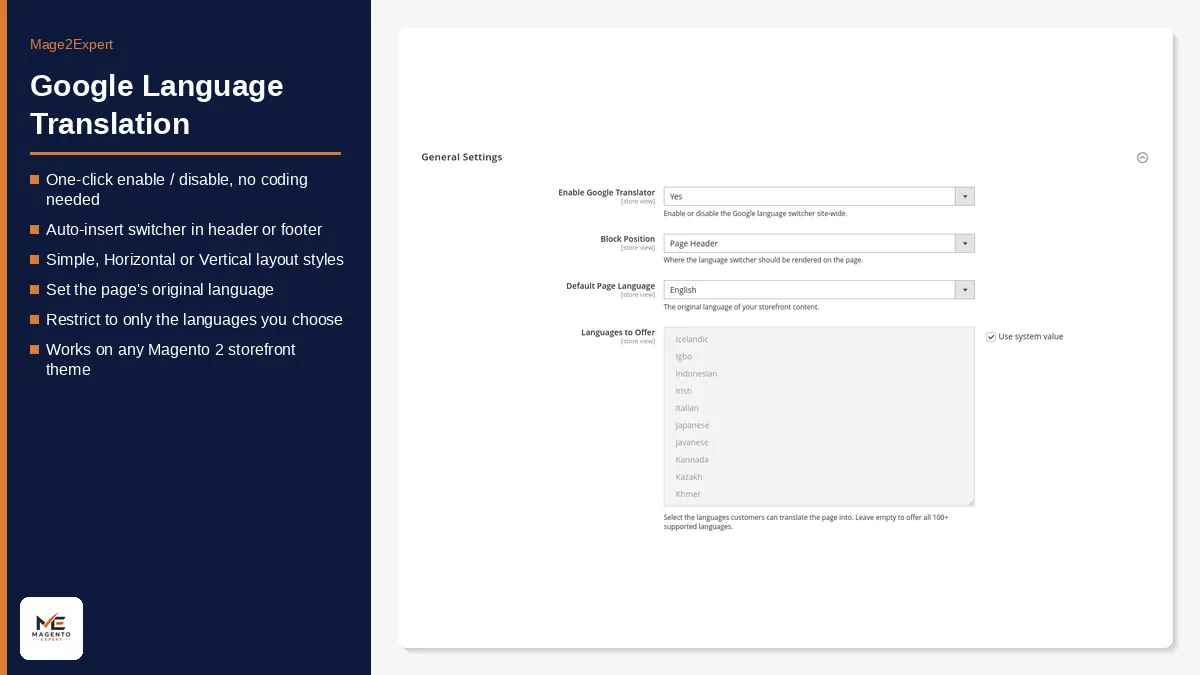
General Settings 5
| Setting | Description |
|---|---|
| Enable Google Translator | Enable or disable the Google language switcher site-wide. |
| Block Position | Where the language switcher should be rendered on the page. |
| Widget Layout | Visual layout of Google's native dropdown. Only used when the custom styled dropdown (Design Settings) is turned off. |
| Default Page Language | The original language of your storefront content. |
| Languages to Offer | Select the languages customers can translate the page into. Leave empty to offer all 100+ supported languages. |
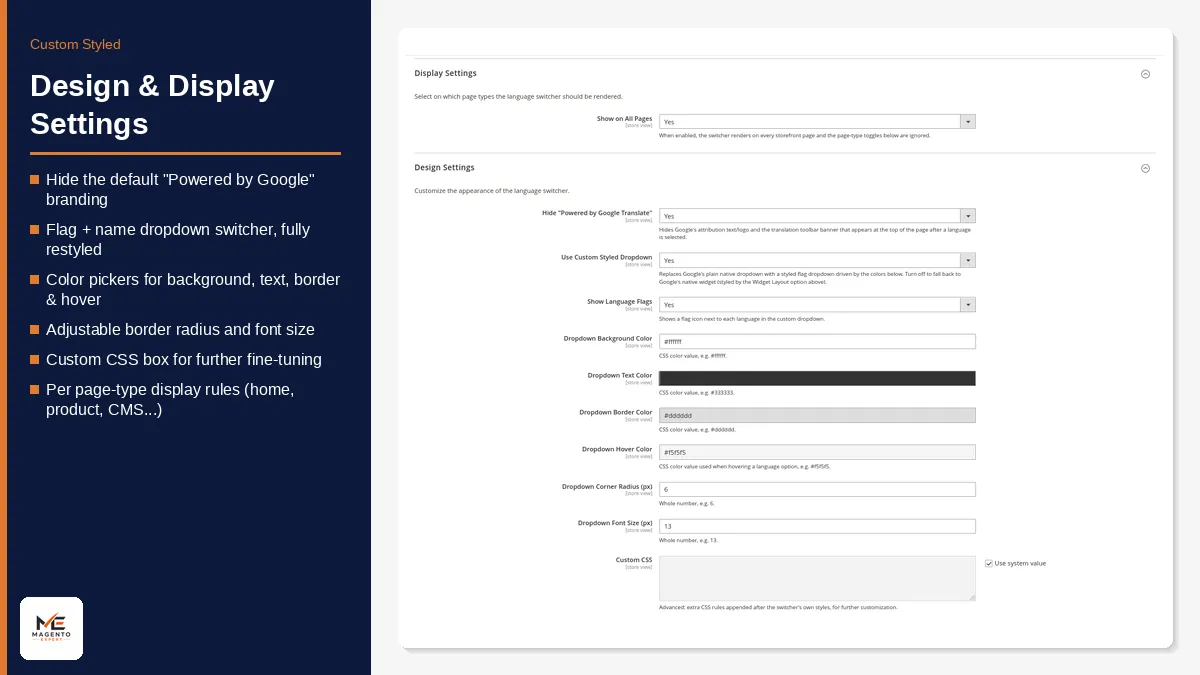
Display Settings 7
| Setting | Description |
|---|---|
| Show on All Pages | When enabled, the switcher renders on every storefront page and the page-type toggles below are ignored. |
| Enable for Product Pages | |
| Enable for Category Pages | |
| Enable for CMS Pages | |
| Enable for Contact Us Page | |
| Enable for Checkout Page | |
| Enable for Homepage |
Design Settings 10
| Setting | Description |
|---|---|
| Hide "Powered by Google Translate" | Hides Google's attribution text/logo and the translation toolbar banner that appears at the top of the page after a language is selected. |
| Use Custom Styled Dropdown | Replaces Google's plain native dropdown with a styled flag dropdown driven by the colors below. Turn off to fall back to Google's native widget (styled by the Widget Layout option above). |
| Show Language Flags | Shows a flag icon next to each language in the custom dropdown. |
| Dropdown Background Color | CSS color value, e.g. #ffffff. |
| Dropdown Text Color | CSS color value, e.g. #333333. |
| Dropdown Border Color | CSS color value, e.g. #dddddd. |
| Dropdown Hover Color | CSS color value used when hovering a language option, e.g. #f5f5f5. |
| Dropdown Corner Radius (px) | Whole number, e.g. 6. |
| Dropdown Font Size (px) | Whole number, e.g. 13. |
| Custom CSS | Advanced: extra CSS rules appended after the switcher's own styles, for further customization. |
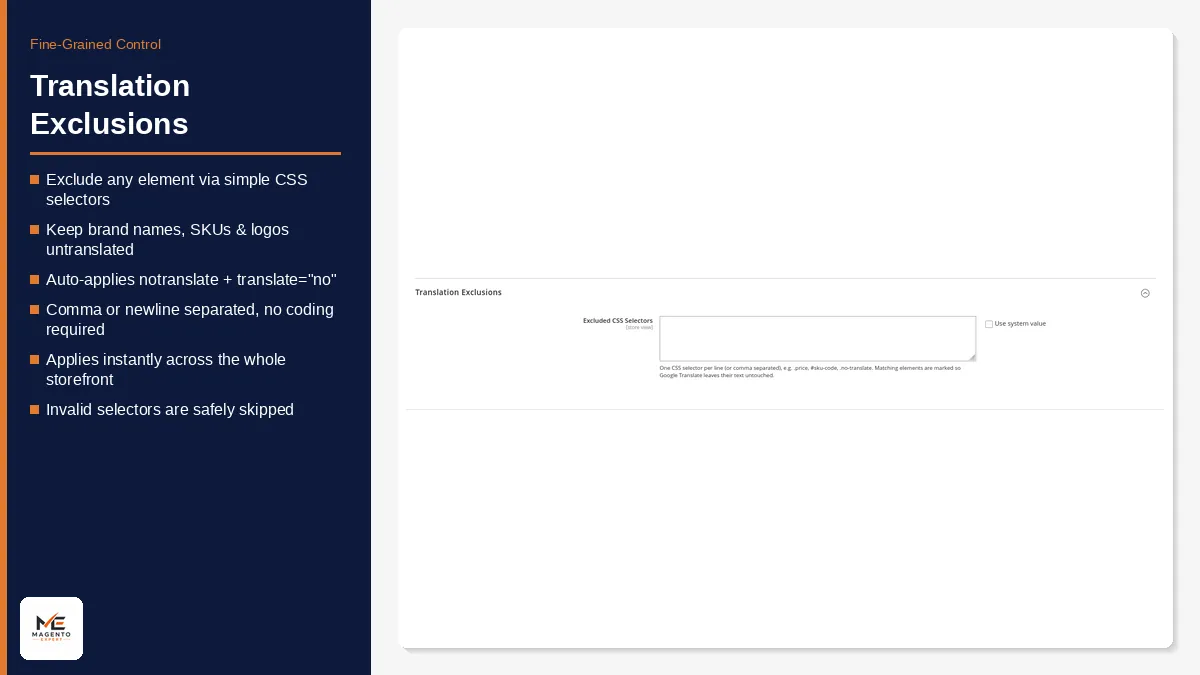
Translation Exclusions 1
| Setting | Description |
|---|---|
| Excluded CSS Selectors | One CSS selector per line (or comma separated), e.g. .price, #sku-code, .no-translate. Matching elements are marked so Google Translate leaves their text untouched. |
Frequently asked questions
How much does Google Language Translation cost?
Which Magento and PHP versions are supported?
Where do I configure Google Language Translation?
Can I switch it off without uninstalling it?
Can the settings differ per store view?
Can it be customised for my store?
More Catalog & Storefront
Related extensions
Ajax Search Autocomplete
Instant search-as-you-type results with products, categories and pages shown in a fast dropdown.
360 Product View
Turn a series of ordinary product photos into an interactive 360° view, so shoppers can turn the product around before they buy.
Product Labels
Rule-based text or image badges such as “New” or “Sale” on product images, everywhere they appear in your store.
Have a Magento project in mind?
Tell me about your store and what you need. I reply to every enquiry within one business day.
Adobe Certified Expert
Adobe Commerce Developer certification, verified on Credly.
15+ years of Magento
From Magento 1 to Magento 2.4.x, Adobe Commerce and Hyvä.
62 Marketplace extensions
Each one reviewed and approved by Adobe.