Payment Surcharge for Magento 2
Add a fixed or percentage fee to selected payment methods, shown clearly in the cart totals.
Why choose Payment Surcharge?
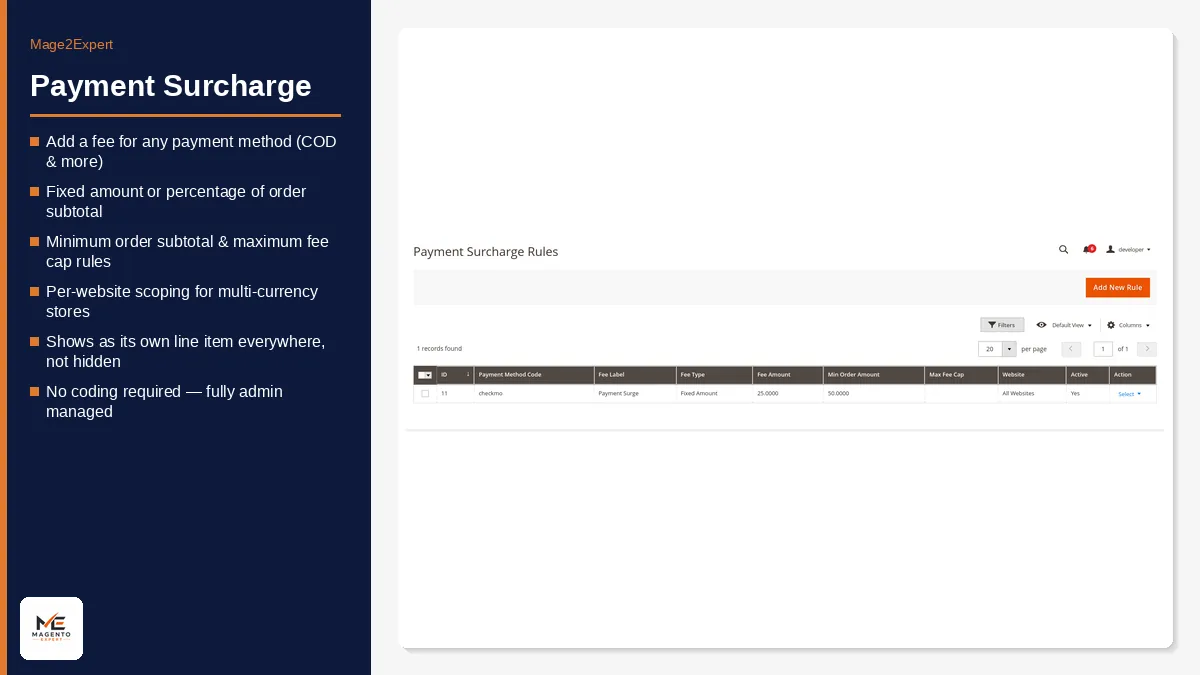
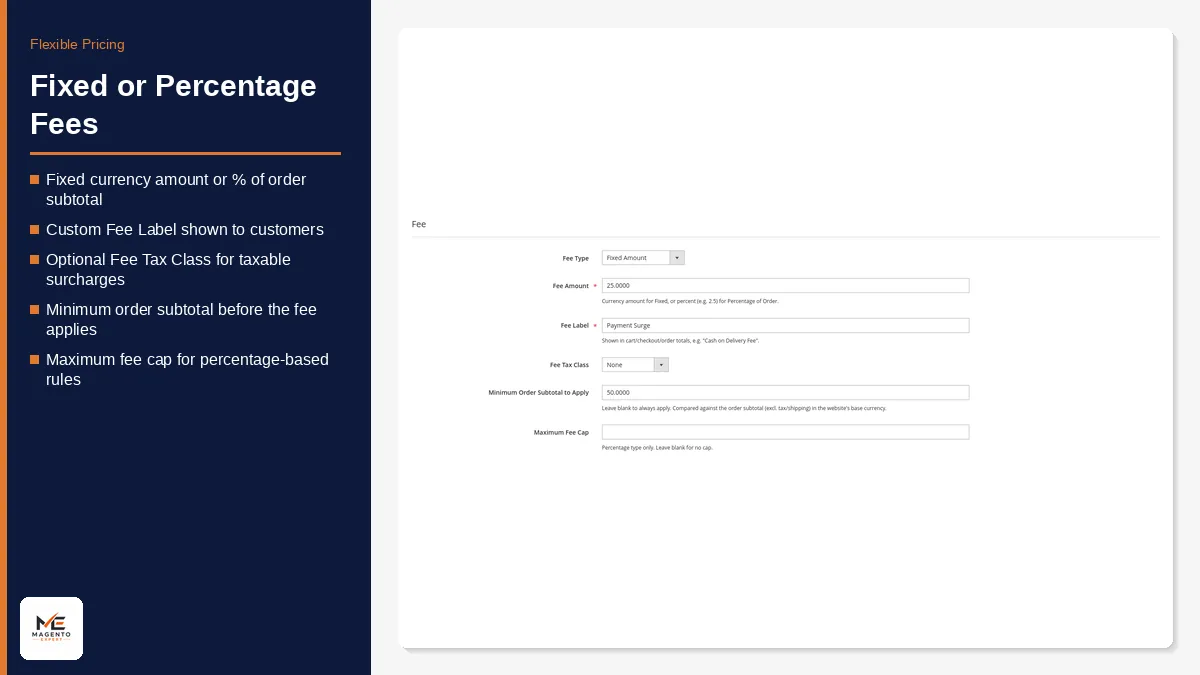
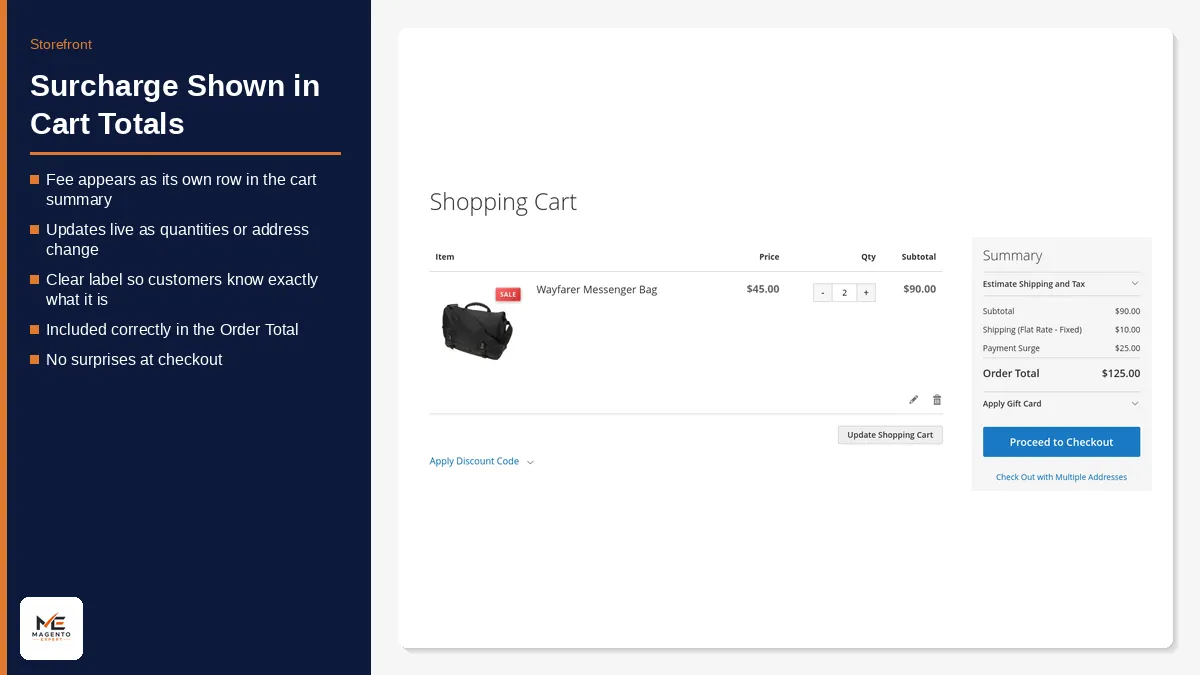
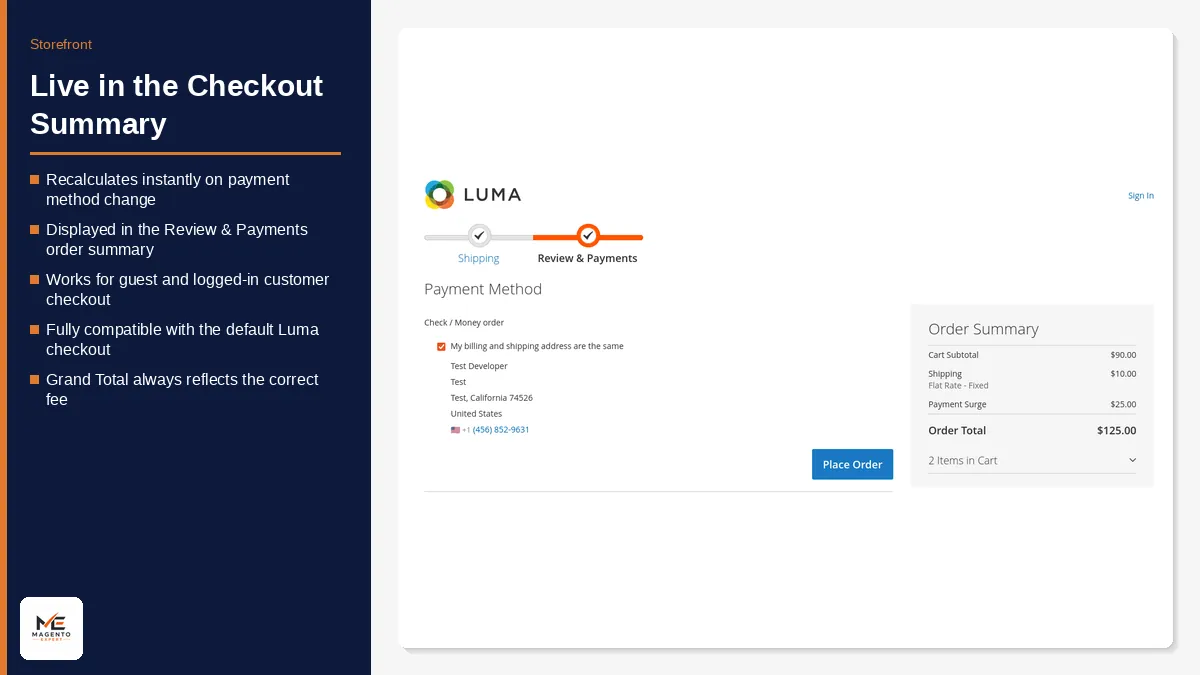
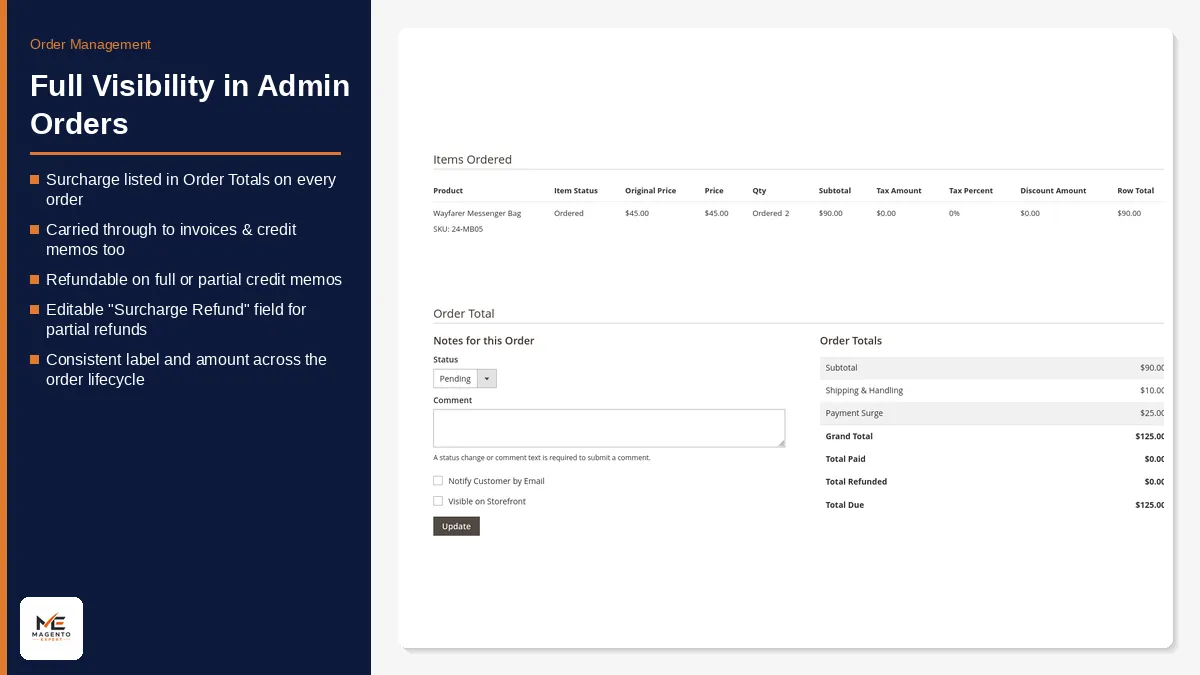
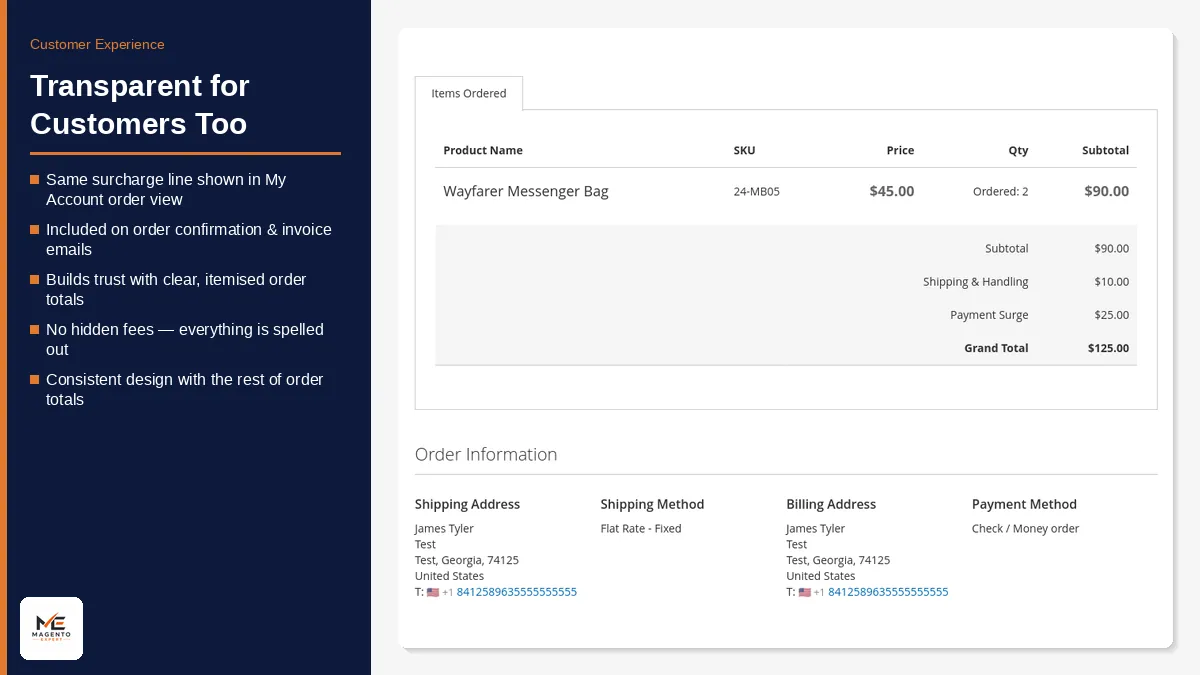
Payment Surcharge adds a fee when the shopper picks a particular payment method, such as cash on delivery or a bank transfer. Fees can be a fixed amount or a percentage of the subtotal, with a minimum order value and a maximum cap, and they can be taxed if your region requires it. The fee shows as its own line in the cart and checkout totals and carries through to the order, invoice and credit memo.
Key features
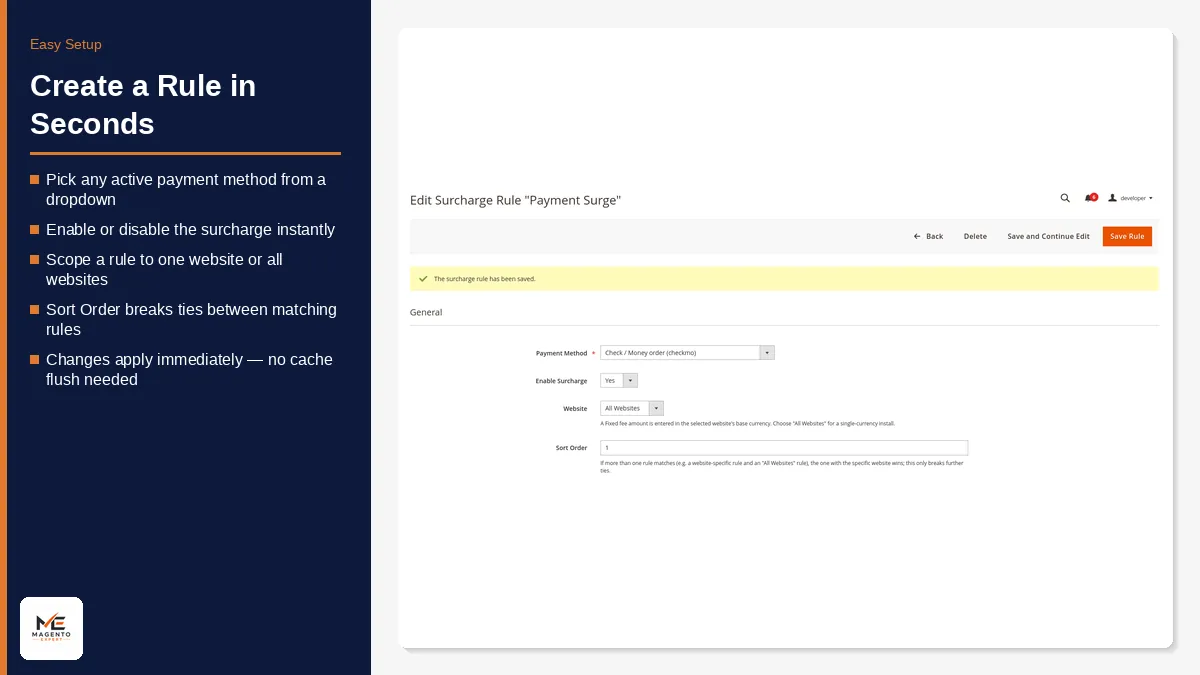
- Per Payment Method Rules
- Fixed or Percentage Fees
- Minimum Order Subtotal
- Maximum Fee Cap
- Per-Website Scoping
- Custom Fee Label
- Optional Fee Taxation
- Live Checkout & Cart Totals
- Full Order Lifecycle Visibility
- Credit Memo Refund Control
- Guest and Registered Checkout
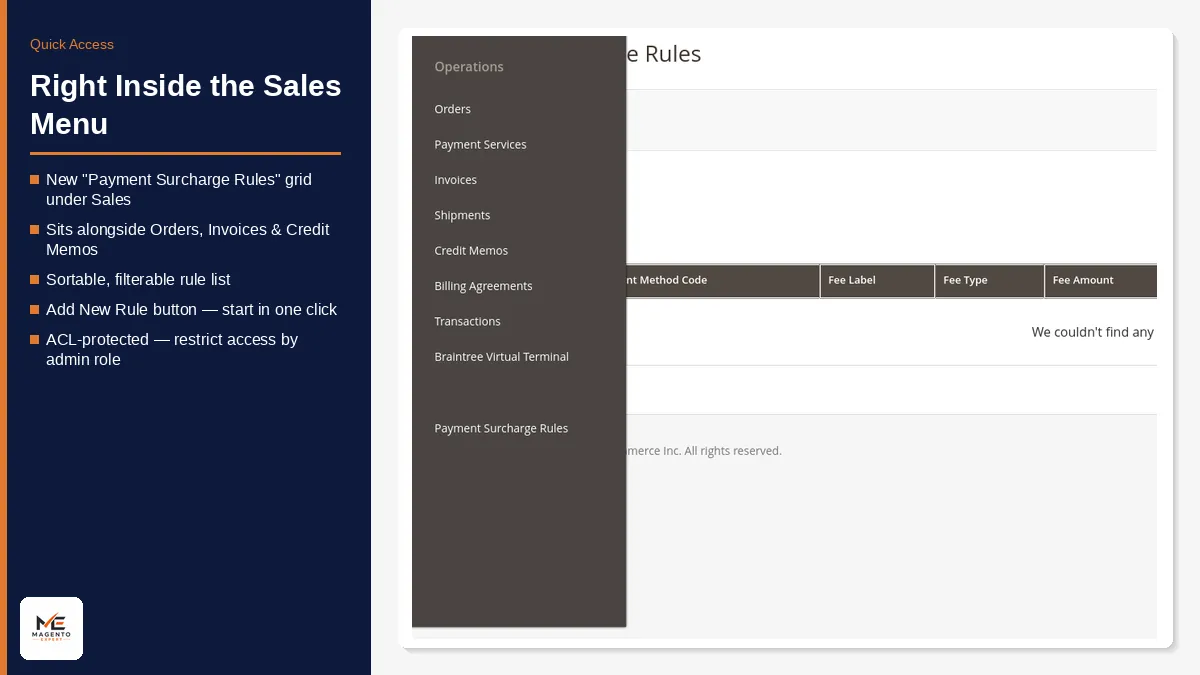
- Admin Grid Management
- ACL-Protected Access
- Zero Core Code Modifications
At a glance
| Module name | Mage2Expert_PaymentSurcharge |
|---|---|
| Composer package | mage2expert/module-payment-surcharge |
| Settings | Stores › Configuration › Mage2Expert › Payment Surcharge (3 options) |
| Admin menu | Sales › Payment Surcharge Rules |
| Per store view settings | No (global or website level) |
| API | No custom endpoints (uses Magento's standard APIs) |
| PHP | 8.1, 8.2, 8.3, 8.4, 8.5 |
Installation
After purchasing on the Adobe Commerce Marketplace, install it with Composer using your Marketplace access keys:
composer require mage2expert/module-payment-surcharge
bin/magento module:enable Mage2Expert_PaymentSurcharge
bin/magento setup:upgrade
bin/magento setup:di:compile
bin/magento setup:static-content:deploy -f
bin/magento cache:flush
Skip setup:di:compile and static-content:deploy if your store runs in developer mode.
Configuration reference
All 3 options under Stores › Configuration › Mage2Expert › Payment Surcharge, grouped as they appear in the admin.
General Settings 3
| Setting | Description |
|---|---|
| Enable Payment Surcharge | Master switch. When disabled, no surcharge is ever applied regardless of configured rules. |
| Percentage Fee Calculation Base | Which amount a Percentage-type fee is calculated against. |
| Refund Surcharge on Full Credit Memo | Default amount preset in the "Surcharge Refund" field when creating a credit memo. The admin can still edit this field on a case by case basis for partial credit memos. |
Frequently asked questions
How much does Payment Surcharge cost?
Which Magento and PHP versions are supported?
Where do I configure Payment Surcharge?
Can I switch it off without uninstalling it?
Can it be customised for my store?
More Checkout & Cart
Related extensions
One Step Checkout
A fast, single-page checkout built with Alpine.js, with fewer steps and fewer abandoned carts.
Quick Order
A bulk-ordering page where buyers search by SKU, paste a SKU list or upload a CSV, then add everything to the cart in one click.
Flat Rates
Offer multiple, conditional flat-rate shipping methods instead of Magento's single fixed-price flat rate.
Have a Magento project in mind?
Tell me about your store and what you need. I reply to every enquiry within one business day.
Adobe Certified Expert
Adobe Commerce Developer certification, verified on Credly.
15+ years of Magento
From Magento 1 to Magento 2.4.x, Adobe Commerce and Hyvä.
62 Marketplace extensions
Each one reviewed and approved by Adobe.