
Coupon Link for Magento 2
Share a link that applies a coupon automatically, for emails, ads and social campaigns.
Why choose Coupon Link?
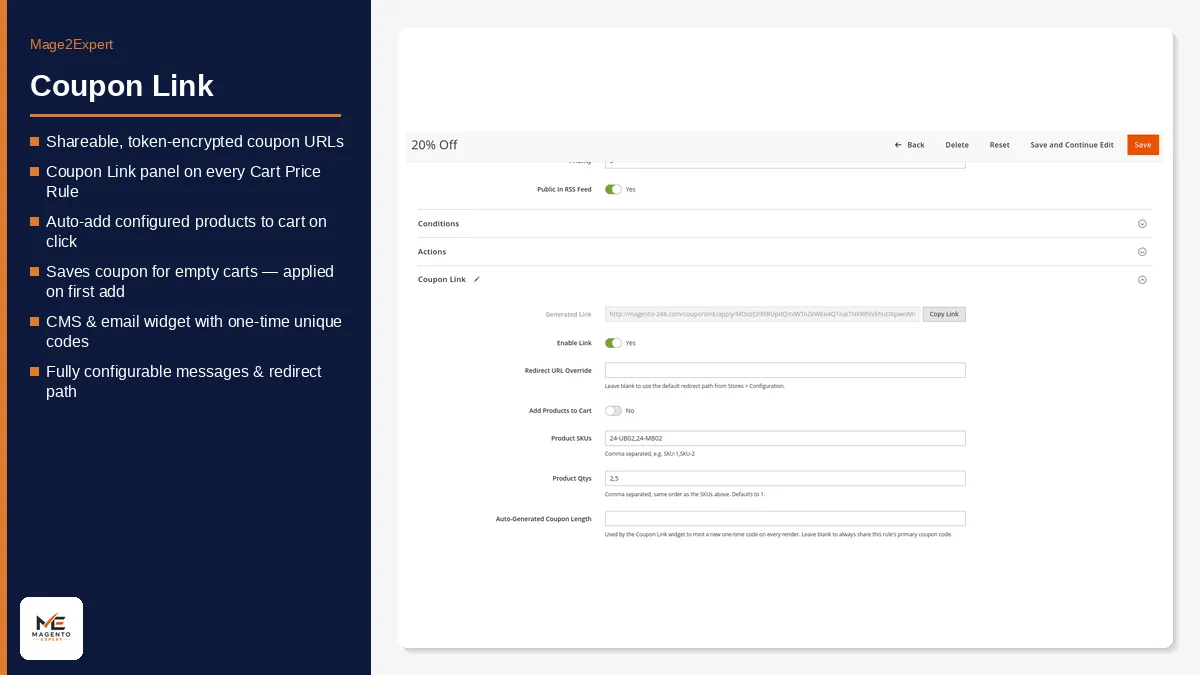
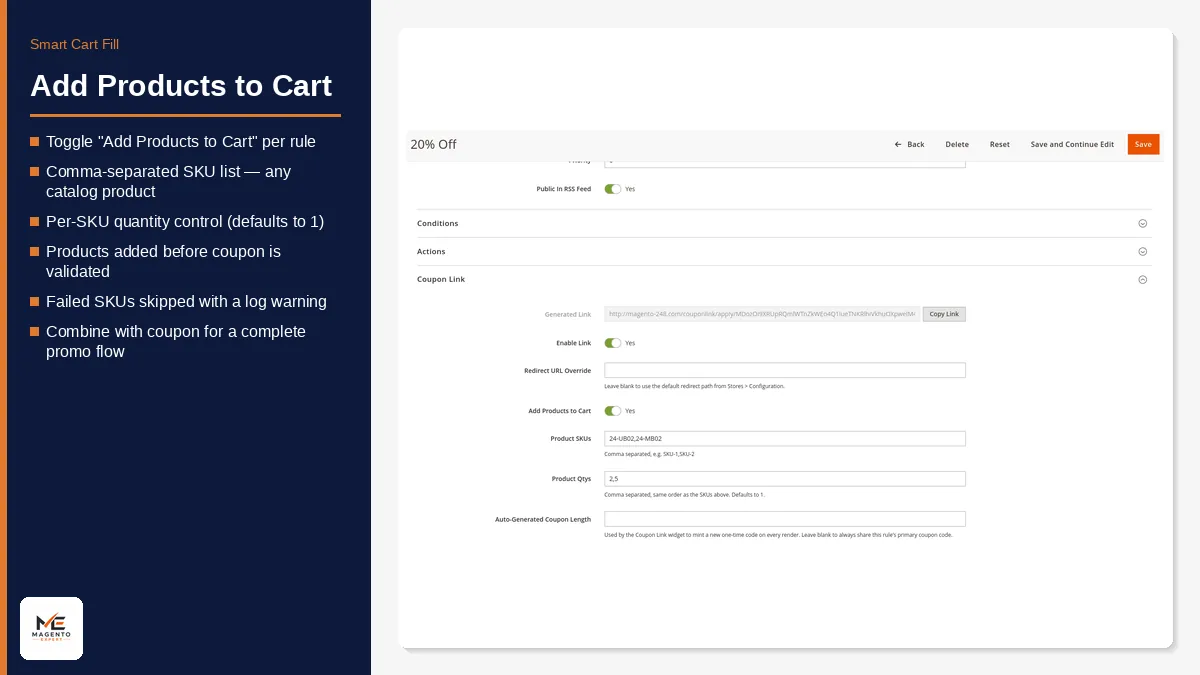
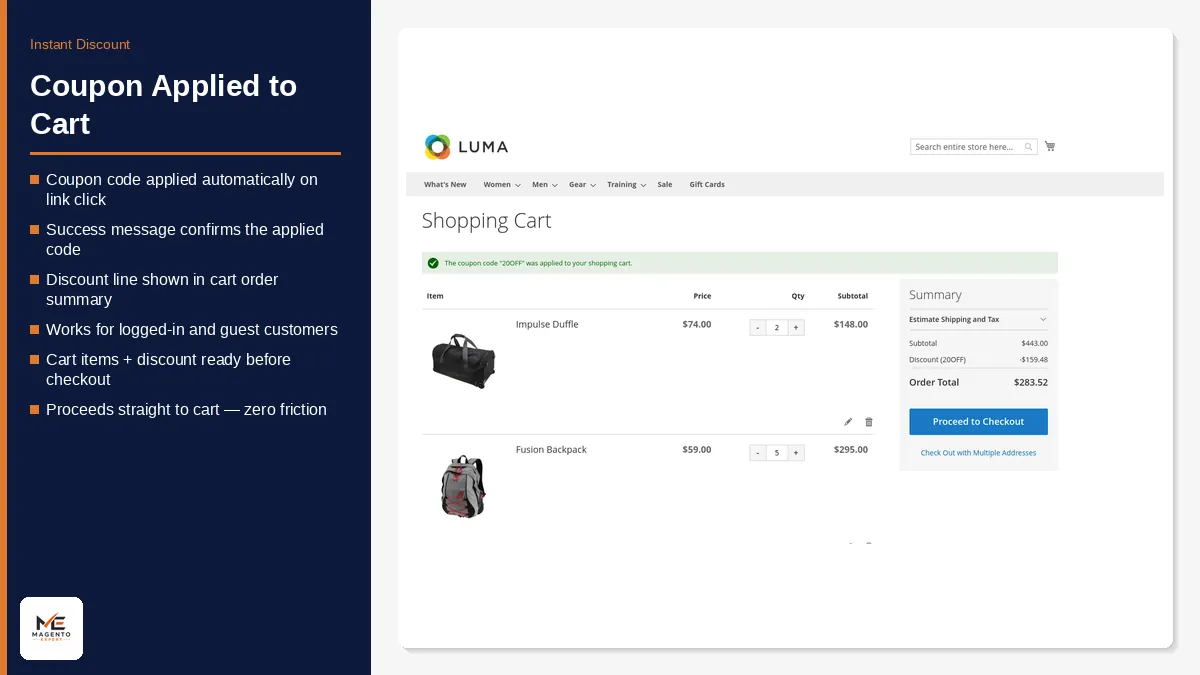
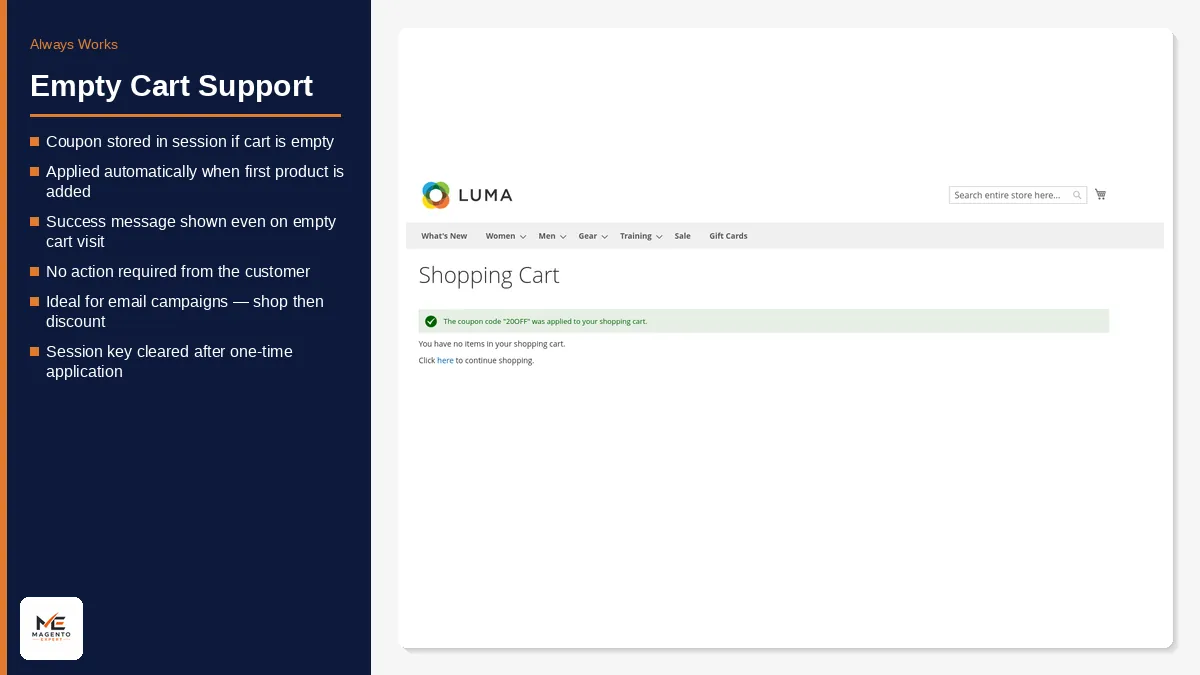
Coupon Link turns any cart price rule coupon into a shareable URL that applies the discount when it is opened, so customers never have to copy or type a code. The link can also add products to the cart and send the visitor to a page you choose. It works for empty carts and new sessions, and a CMS and email widget lets you drop links into newsletters and landing pages.
Key features
- Token-Encrypted Shareable URLs
- Coupon Link Fieldset on Every Cart Price Rule
- Per-Rule Enable / Disable Toggle
- Add Products to Cart on Link Click
- Empty-Cart Session Support
- CMS & Email Widget
- Unique One-Time Coupon Code Per Render
- Configurable Redirect Path
- Customisable Success and Error Messages
- Per-Rule Redirect URL Override
- Auto-Generated Coupon Length Setting
- Master Enable / Disable Switch
- Zero Core Code Modifications
At a glance
| Module name | Mage2Expert_CouponLink |
|---|---|
| Composer package | mage2expert/module-couponlink |
| Settings | Stores › Configuration › Mage2Expert › Coupon Link (5 options) |
| Per store view settings | Yes |
| API | No custom endpoints (uses Magento's standard APIs) |
| PHP | 8.1, 8.2, 8.3, 8.4, 8.5 |
Installation
After purchasing on the Adobe Commerce Marketplace, install it with Composer using your Marketplace access keys:
composer require mage2expert/module-couponlink
bin/magento module:enable Mage2Expert_CouponLink
bin/magento setup:upgrade
bin/magento setup:di:compile
bin/magento setup:static-content:deploy -f
bin/magento cache:flush
Skip setup:di:compile and static-content:deploy if your store runs in developer mode.
Configuration reference
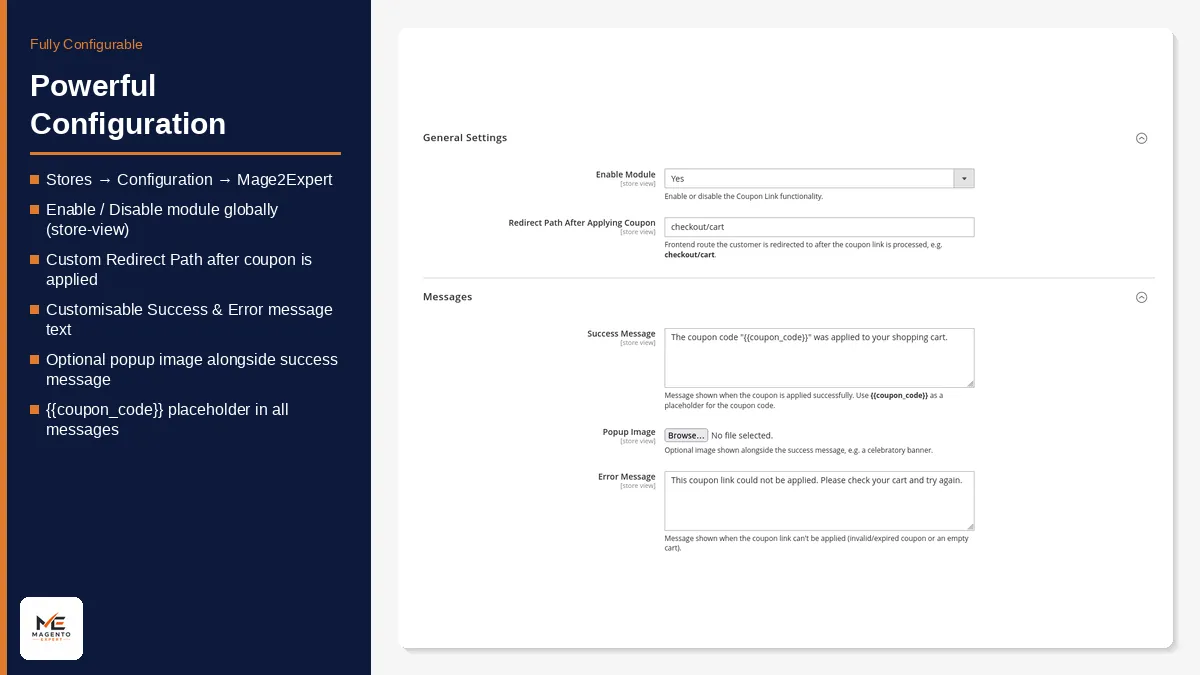
All 5 options under Stores › Configuration › Mage2Expert › Coupon Link, grouped as they appear in the admin.
General Settings 2
| Setting | Description |
|---|---|
| Enable Module | Enable or disable the Coupon Link functionality. |
| Redirect Path After Applying Coupon | Frontend route the customer is redirected to after the coupon link is processed, e.g. checkout/cart . |
Messages 3
| Setting | Description |
|---|---|
| Success Message | Message shown when the coupon is applied successfully. Use {{coupon_code}} as a placeholder for the coupon code. |
| Popup Image | Optional image shown alongside the success message, e.g. a celebratory banner. |
| Error Message | Message shown when the coupon link can't be applied (invalid/expired coupon or an empty cart). |
Frequently asked questions
How much does Coupon Link cost?
Which Magento and PHP versions are supported?
Where do I configure Coupon Link?
Can I switch it off without uninstalling it?
Can the settings differ per store view?
Can it be customised for my store?
More Marketing
Related extensions
Reward Points
Reward customers with points for purchases and actions, redeemable as discounts on future orders.
Gift Card
A virtual gift card product type with balance management. Customers buy a gift card and spend the balance at checkout.
Coupon Suggestions
Show customers the coupons that are valid for their cart, right at the discount field on cart and checkout.
Have a Magento project in mind?
Tell me about your store and what you need. I reply to every enquiry within one business day.
Adobe Certified Expert
Adobe Commerce Developer certification, verified on Credly.
15+ years of Magento
From Magento 1 to Magento 2.4.x, Adobe Commerce and Hyvä.
62 Marketplace extensions
Each one reviewed and approved by Adobe.