Cancel Order for Magento 2
Let guest and registered customers cancel Pending and Processing orders from the storefront without contacting support.
Why choose Cancel Order?
Cancel Order lets customers cancel Pending and Processing orders themselves instead of emailing support. Registered customers cancel from their order list or order page; guests look up their order with an email and order number, and their requests can go to an admin for approval. Approving a cancellation can create the credit memo and restore stock automatically, and the store is notified by email.
Key features
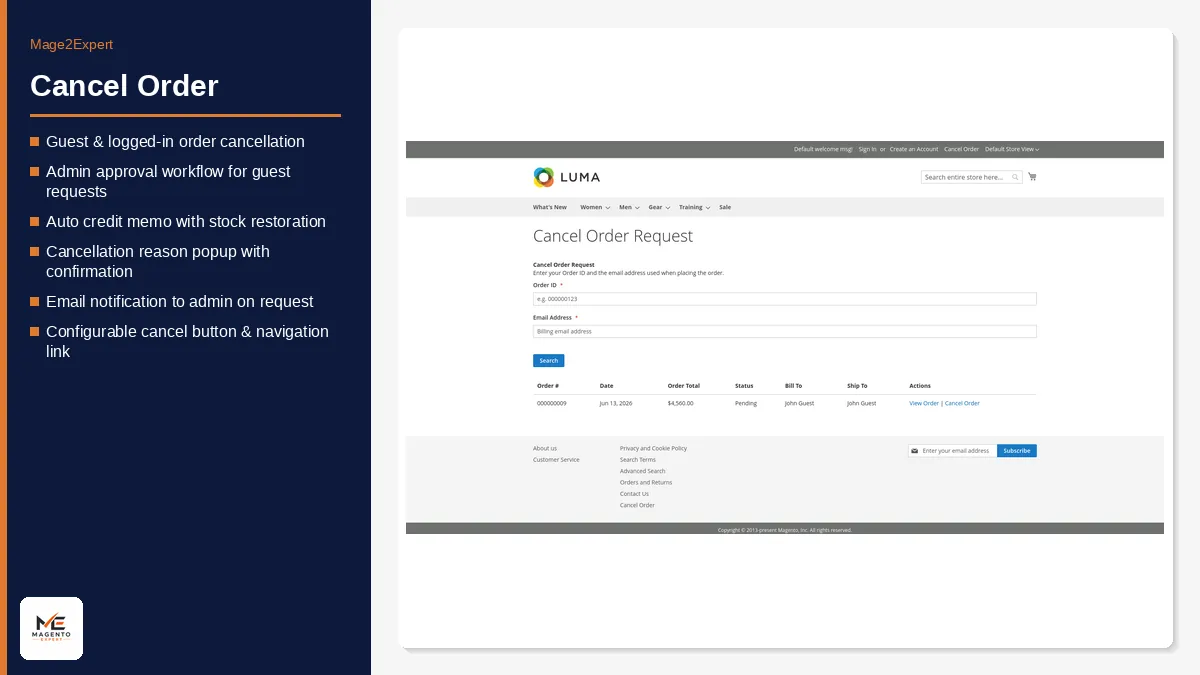
- Guest Order Lookup Form
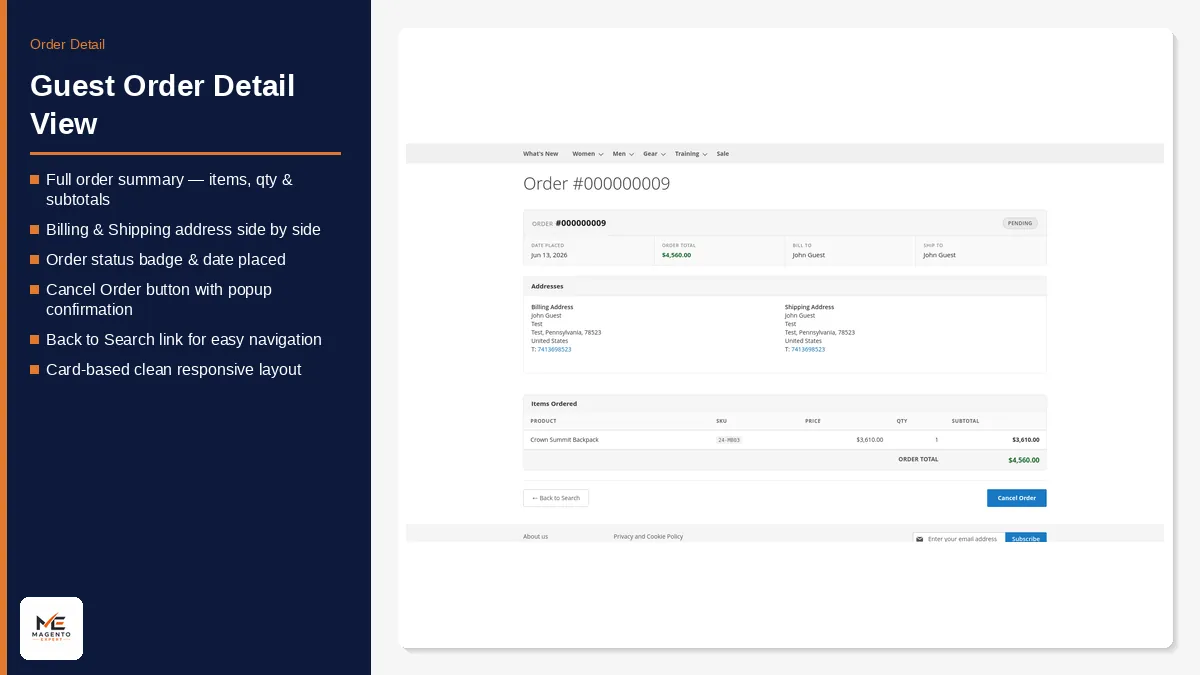
- Guest Order Detail View
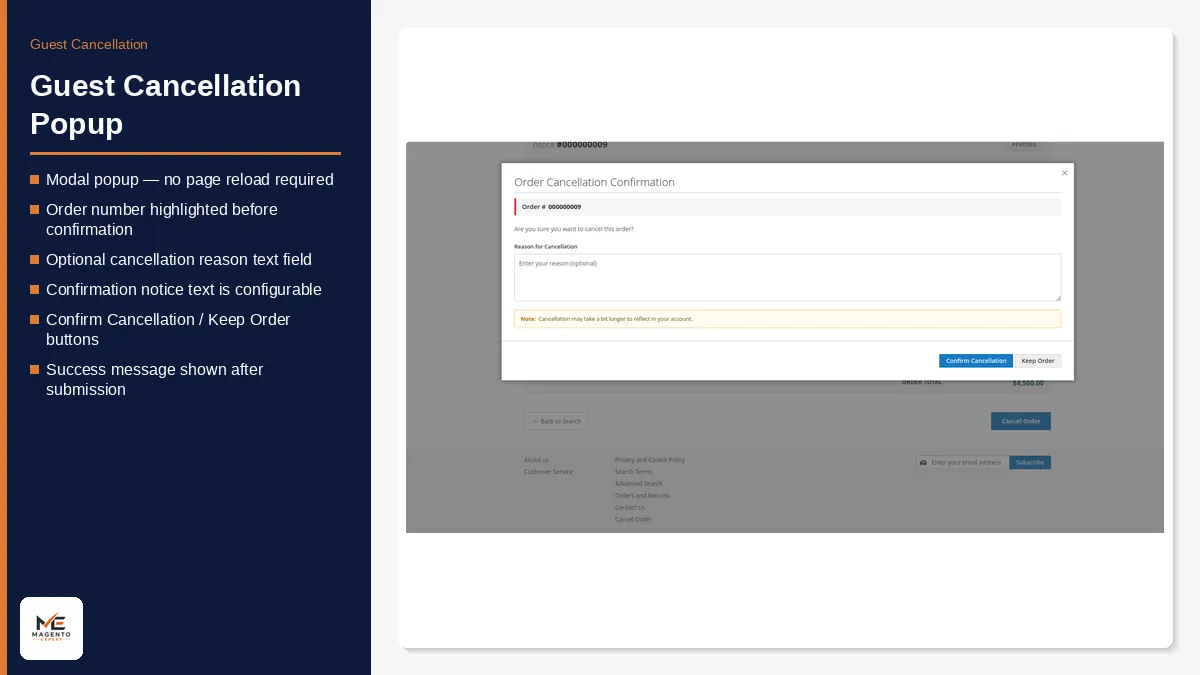
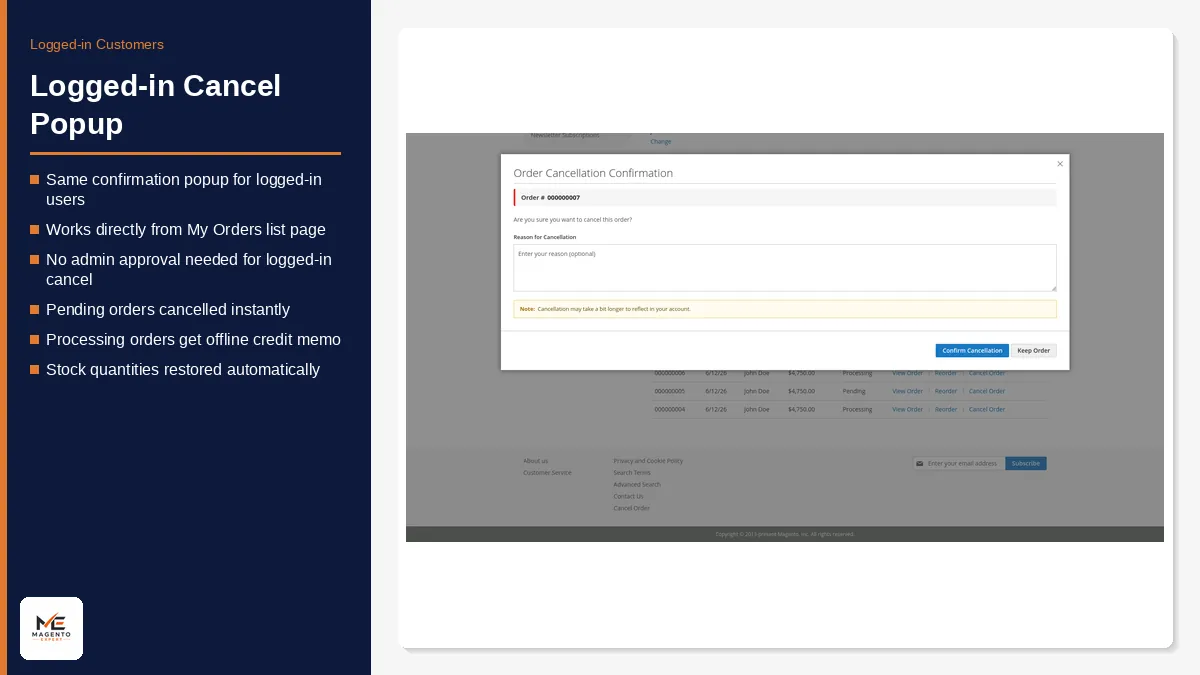
- Cancellation Confirmation Popup
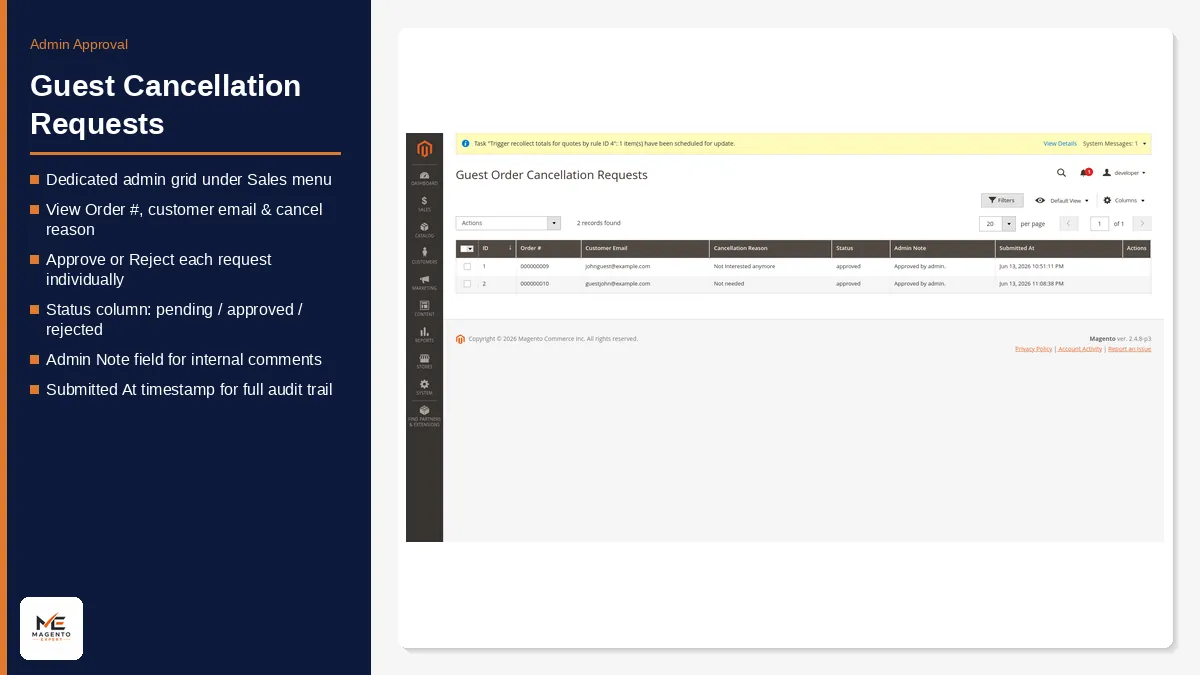
- Admin Approval Workflow for Guests
- Mass Approve and Mass Reject
- Automatic Credit Memo on Approval
- Stock Restoration
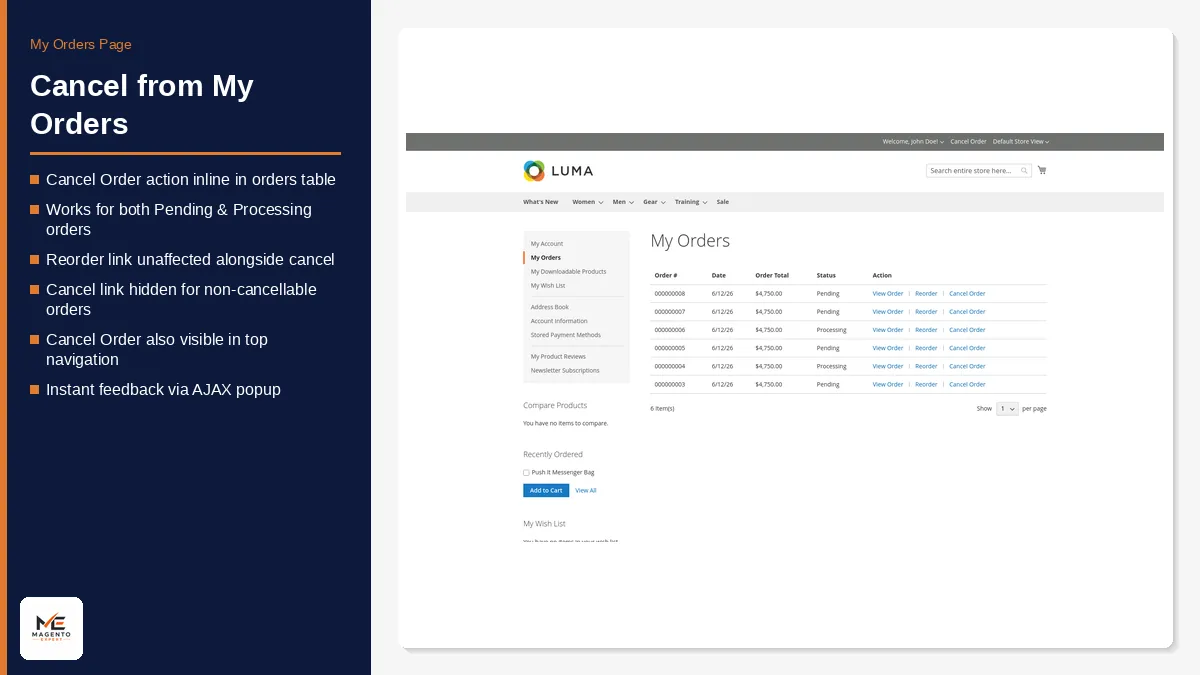
- Registered Customer Cancel from My Orders
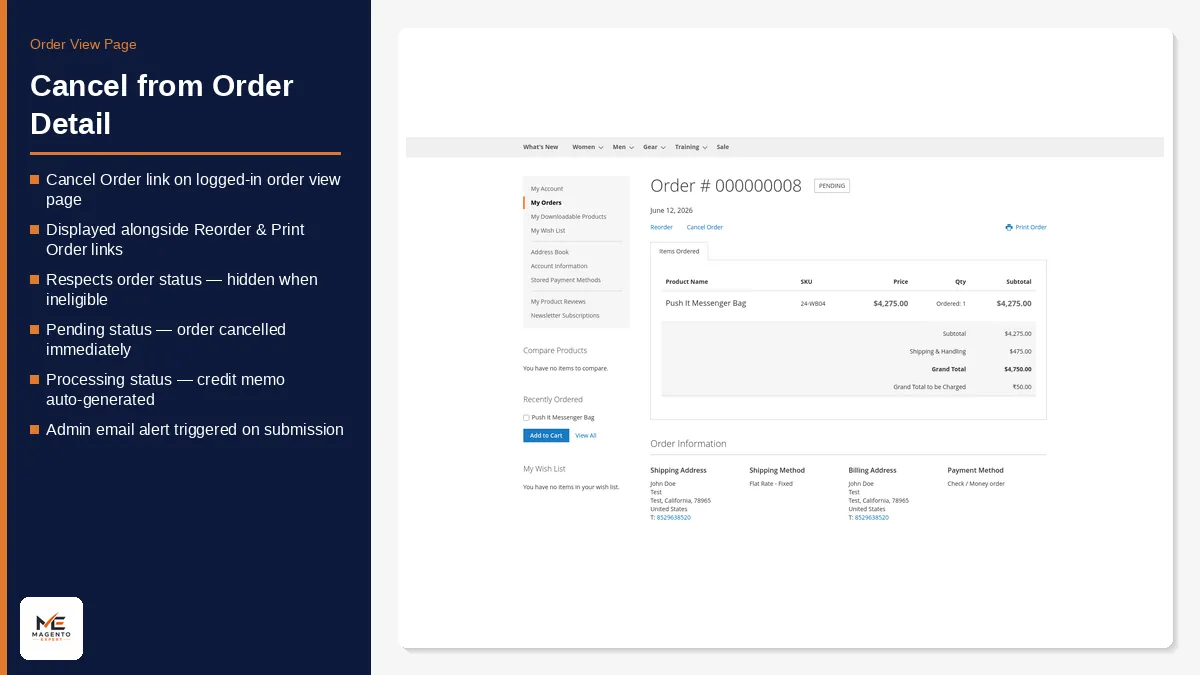
- Registered Customer Cancel from Order Detail
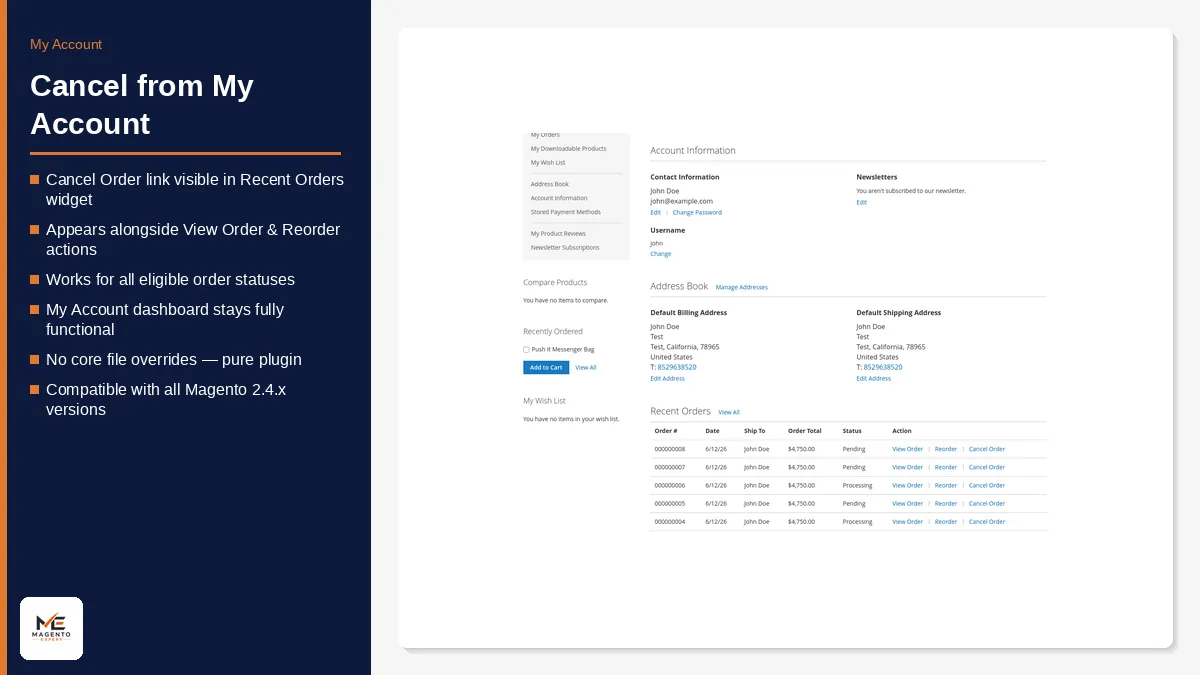
- Registered Customer Cancel from My Account
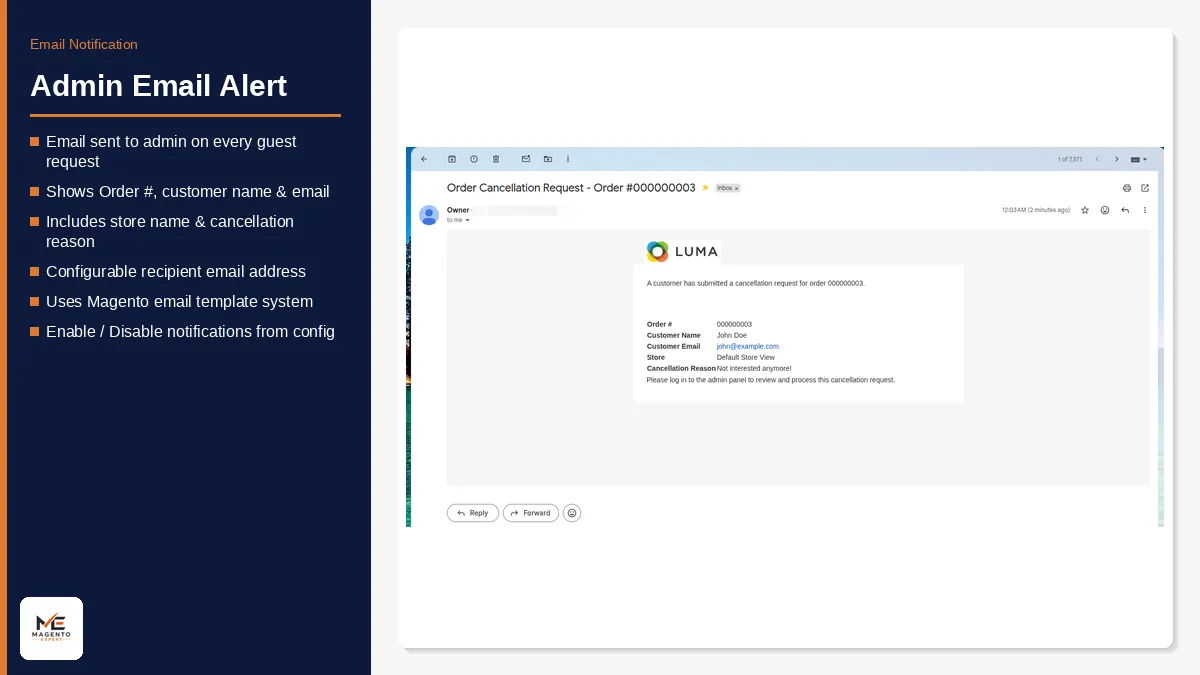
- Admin Email Notification
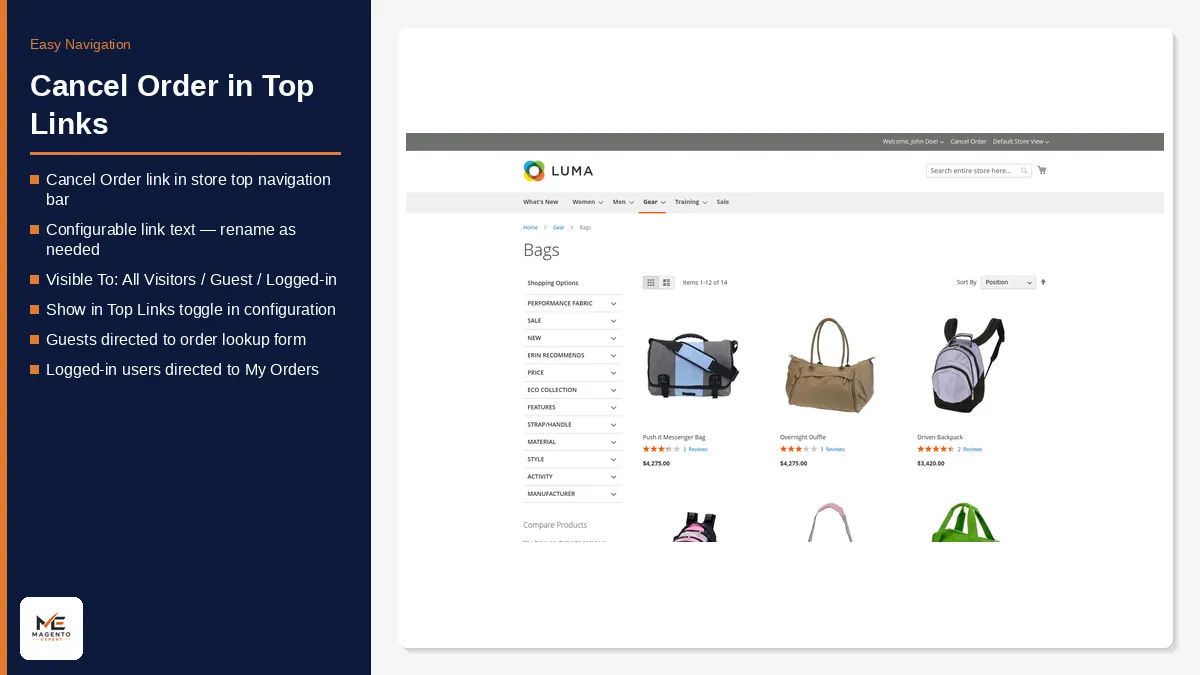
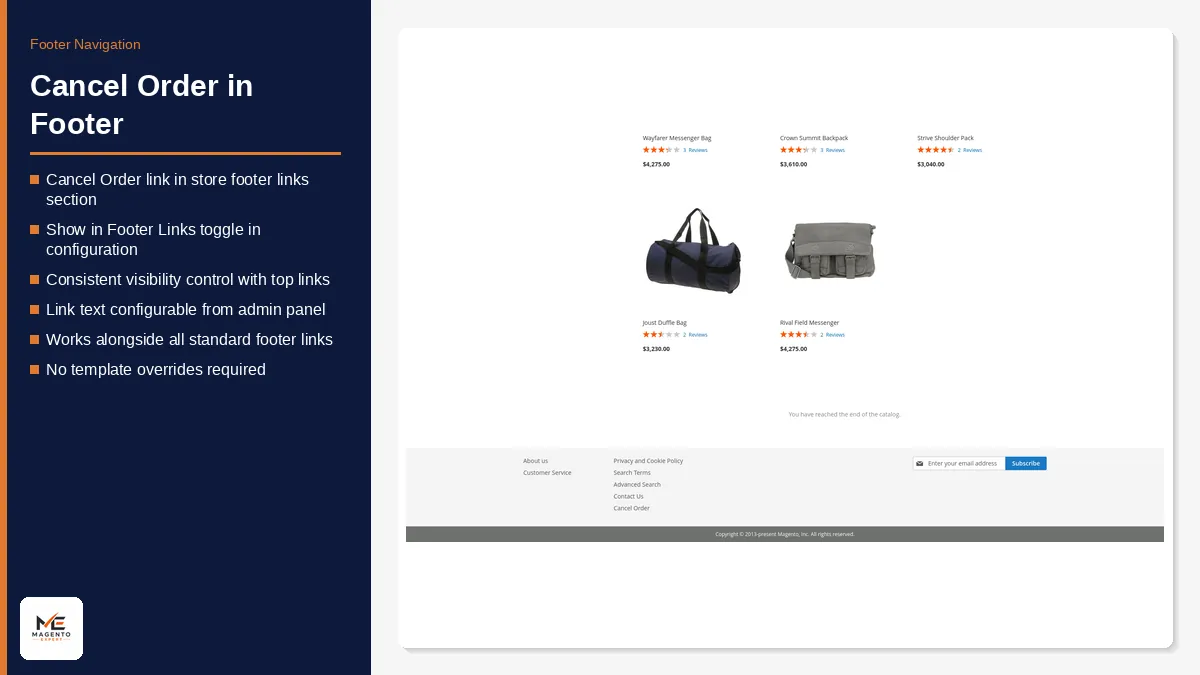
- Configurable Navigation Link
- Configurable Cancel Button Label
- Configurable Popup Notice Text
At a glance
| Module name | Mage2Expert_CancelOrder |
|---|---|
| Composer package | mage2expert/module-cancel-order |
| Settings | Stores › Configuration › Mage2Expert › Cancel Order (14 options) |
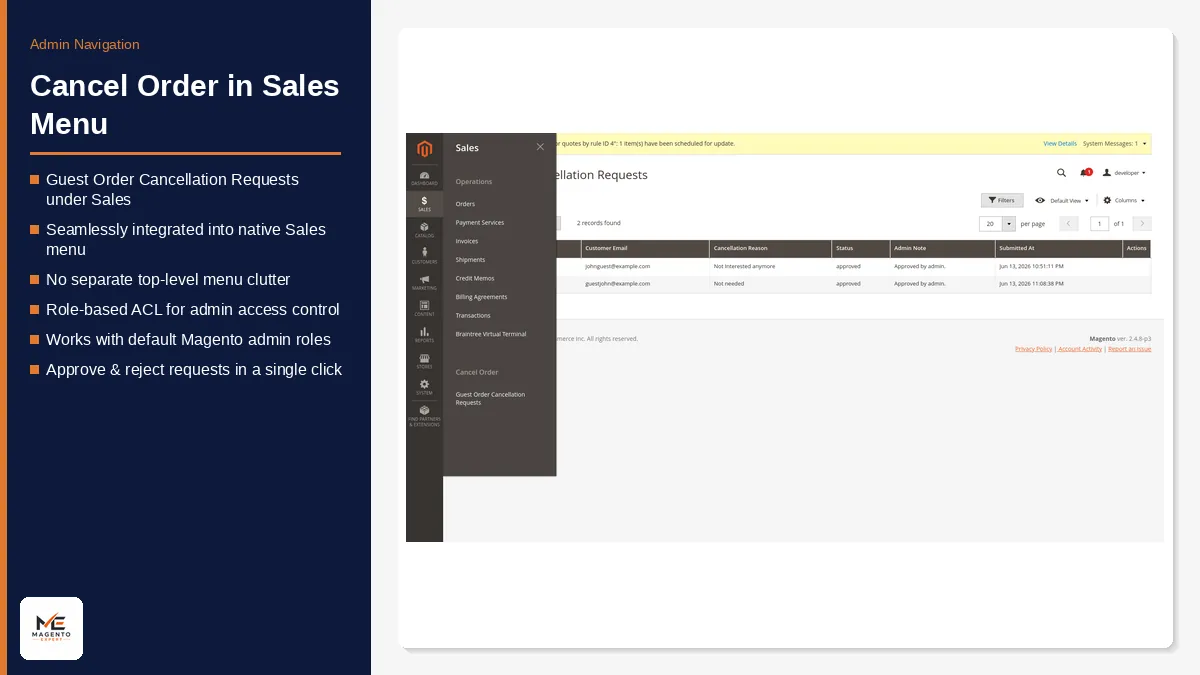
| Admin menu | Sales › Cancel Order › Guest Order Cancellation Requests |
| Per store view settings | Yes |
| API | No custom endpoints (uses Magento's standard APIs) |
| PHP | 8.1, 8.2, 8.3, 8.4, 8.5 |
Installation
After purchasing on the Adobe Commerce Marketplace, install it with Composer using your Marketplace access keys:
composer require mage2expert/module-cancel-order
bin/magento module:enable Mage2Expert_CancelOrder
bin/magento setup:upgrade
bin/magento setup:di:compile
bin/magento setup:static-content:deploy -f
bin/magento cache:flush
Skip setup:di:compile and static-content:deploy if your store runs in developer mode.
Configuration reference
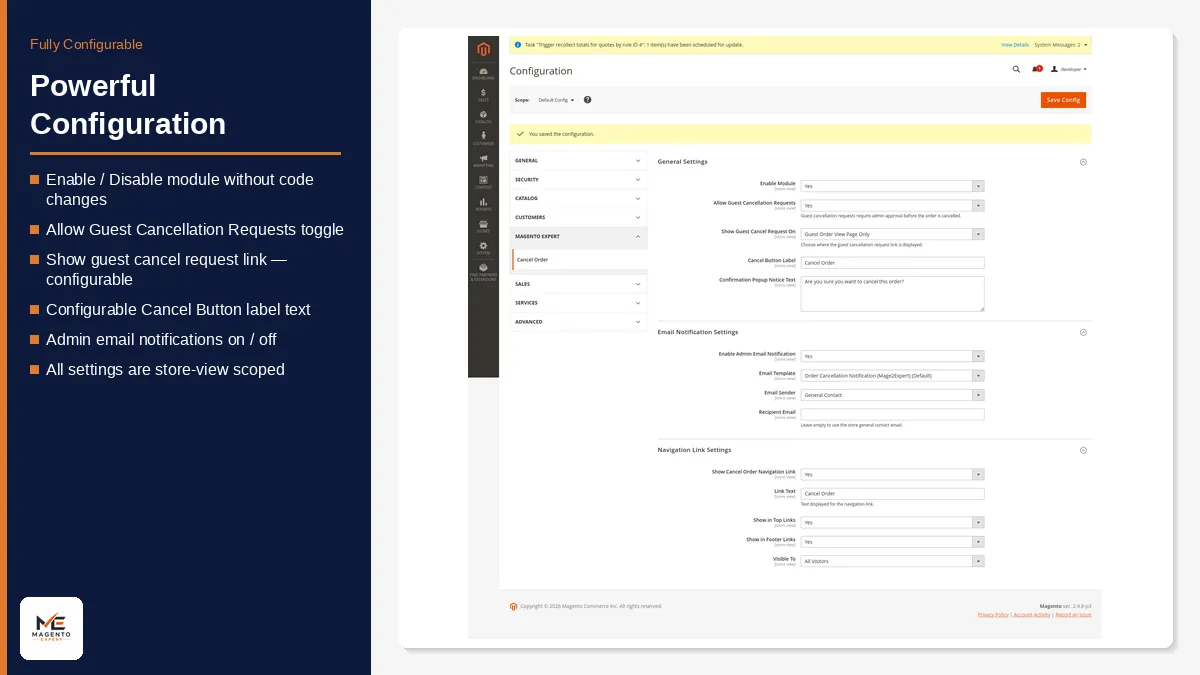
All 14 options under Stores › Configuration › Mage2Expert › Cancel Order, grouped as they appear in the admin.
General Settings 5
| Setting | Description |
|---|---|
| Enable Module | |
| Allow Guest Cancellation Requests | Guest cancellation requests require admin approval before the order is cancelled. |
| Show Guest Cancel Request On | Choose where the guest cancellation request link is displayed. |
| Cancel Button Label | |
| Confirmation Popup Notice Text |
Email Notification Settings 4
| Setting | Description |
|---|---|
| Enable Admin Email Notification | |
| Email Template | |
| Email Sender | |
| Recipient Email | Leave empty to use the store general contact email. |
Navigation Link Settings 5
| Setting | Description |
|---|---|
| Show Cancel Order Navigation Link | |
| Link Text | Text displayed for the navigation link. |
| Show in Top Links | |
| Show in Footer Links | |
| Visible To |
Frequently asked questions
How much does Cancel Order cost?
Which Magento and PHP versions are supported?
Where do I configure Cancel Order?
Can I switch it off without uninstalling it?
Can the settings differ per store view?
Can it be customised for my store?
More Checkout & Cart
Related extensions
One Step Checkout
A fast, single-page checkout built with Alpine.js, with fewer steps and fewer abandoned carts.
Quick Order
A bulk-ordering page where buyers search by SKU, paste a SKU list or upload a CSV, then add everything to the cart in one click.
Flat Rates
Offer multiple, conditional flat-rate shipping methods instead of Magento's single fixed-price flat rate.
Have a Magento project in mind?
Tell me about your store and what you need. I reply to every enquiry within one business day.
Adobe Certified Expert
Adobe Commerce Developer certification, verified on Credly.
15+ years of Magento
From Magento 1 to Magento 2.4.x, Adobe Commerce and Hyvä.
62 Marketplace extensions
Each one reviewed and approved by Adobe.